
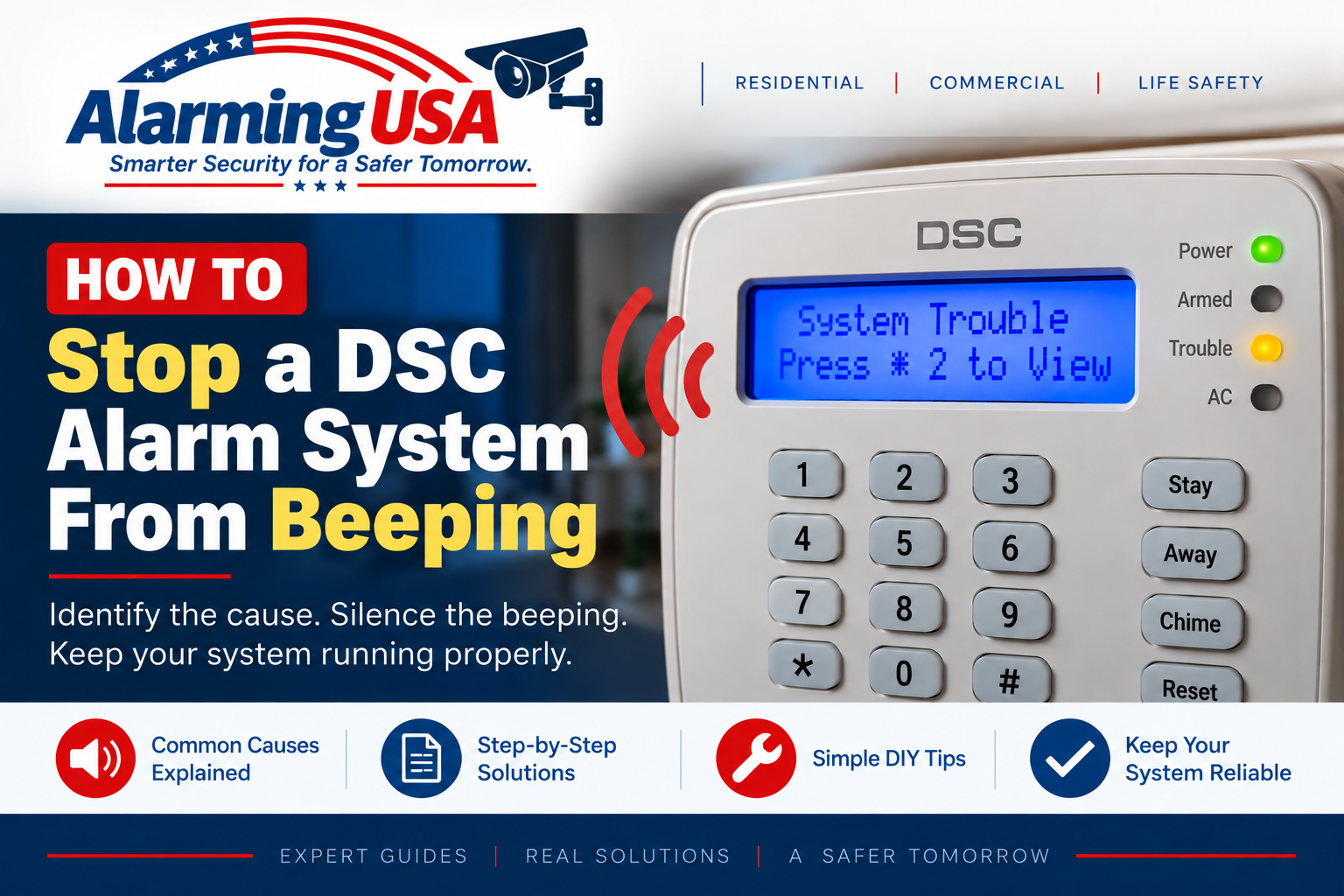
A DSC keypad that keeps beeping is usually trying to tell you something. This guide explains how to stop a DSC alarm system from beeping, how to distinguish normal keypad sounds from a trouble warning, and why identifying the cause matters before assuming the problem is fixed.
On DSC systems, repeated keypad beeps can accompany a trouble condition. The correct response depends on the panel generation and the condition being reported, so use the user manual for your exact DSC system when its display or prompts differ.
Why Is My DSC Alarm System Beeping?
Common reasons include a system trouble condition, a power-related issue, a standby or wireless-device battery condition, communication trouble, or another supervised system problem. Some keypad sounds can also be normal feedback from user functions, entry/exit timing, or enabled chime features.
How to Stop a DSC Alarm System From Beeping
If the keypad is beeping because of a trouble condition, first look for the trouble indicator or an explanatory message. On DSC PowerSeries Pro reference documentation, the trouble display is accessed with [*][2]. The reference manual states that the audible trouble indication can be silenced with [#], while the PowerSeries Pro user manual describes silencing its trouble beeps with [*]. Because keypad behavior and documentation can vary by panel and version, follow the user manual for your exact system.
Silencing the Beep Does Not Fix the Trouble
Muting a keypad warning only stops the audible indication. It does not repair a low battery, restore AC power, correct a communication problem, or resolve another active trouble. Use the trouble display to identify what the panel is reporting and correct the underlying condition.
Check the Yellow Trouble Light
If the yellow trouble indicator is illuminated, see our DSC yellow trouble light guide. On supported DSC PowerSeries systems, [*][2] opens the trouble display so you can investigate the condition rather than guessing.
Check for a Battery Trouble
If the trouble display points to the control-panel standby battery, see our DSC alarm panel battery guide. A battery condition can remain indicated while the system recharges and waits for the appropriate battery test.
Check for an AC Power Problem
If the system reports loss of AC power, verify that normal building power is available. Do not open electrical equipment or work on exposed power wiring. If normal power is present but the alarm continues to report an AC-related problem, contact the alarm company or a qualified service technician.
Could It Be the Door Chime?
A brief tone when a protected door or window opens can be the system’s chime feature rather than a trouble warning. Chime operation varies by keypad and configuration. If the sound occurs only when particular doors or windows open, check the user guide for the chime feature on your exact DSC keypad.
What About Entry and Exit Beeps?
Keypads can produce audible tones during normal entry and exit delays. These sounds are part of normal system operation and are different from recurring trouble beeps. Avoid changing installer programming simply to suppress normal security-system timing warnings.
Fire or Life-Safety Warnings Need Special Attention
Do not treat fire, smoke, carbon-monoxide, or other life-safety indications as ordinary nuisance beeps. Follow the system’s emergency instructions and your alarm provider’s guidance. DSC documentation notes that fire-related trouble beeps can have different silencing behavior from ordinary trouble indications.
Why Does the Beeping Come Back?
If the underlying trouble remains active, the keypad may continue or resume reporting it. Repeatedly silencing the keypad is not a substitute for repairing the cause. Review the trouble display and arrange service if the condition does not clear.
When to Contact Your Alarm Company
- You cannot identify the reason for the beeping.
- The trouble returns after its apparent cause is corrected.
- The display reports a communication, wiring, module, or supervision problem.
- A fire or other life-safety condition is involved.
- The system is commercial, regulated, or monitored and you are unsure how to proceed.
Related DSC DIY Guides
Continue with our DSC series: How to Clear the Yellow Trouble Light on a DSC Alarm System, How to Change the Battery in a DSC Alarm Panel, and How to Bypass a Zone on a DSC Alarm System.
Official DSC Documentation
DSC provides official documentation for classic PowerSeries PC1616/PC1832/PC1864 systems, PowerSeries Neo HS2016/HS2032/HS2064/HS2128 systems, and PowerSeries Pro HS3032/HS3128/HS3248 systems. Refer to the user manual for your exact panel and keypad when audible indications or key commands differ.
Final Thoughts
Knowing how to stop a DSC alarm system from beeping starts with determining why it is making noise. If the keypad is reporting a trouble condition, view the trouble information, silence the audible indication using the procedure documented for your exact system, and then correct the underlying problem.
If the beeping is associated with a fire or life-safety warning, or the trouble cannot be identified or corrected, contact the alarm provider or an appropriate qualified professional.