
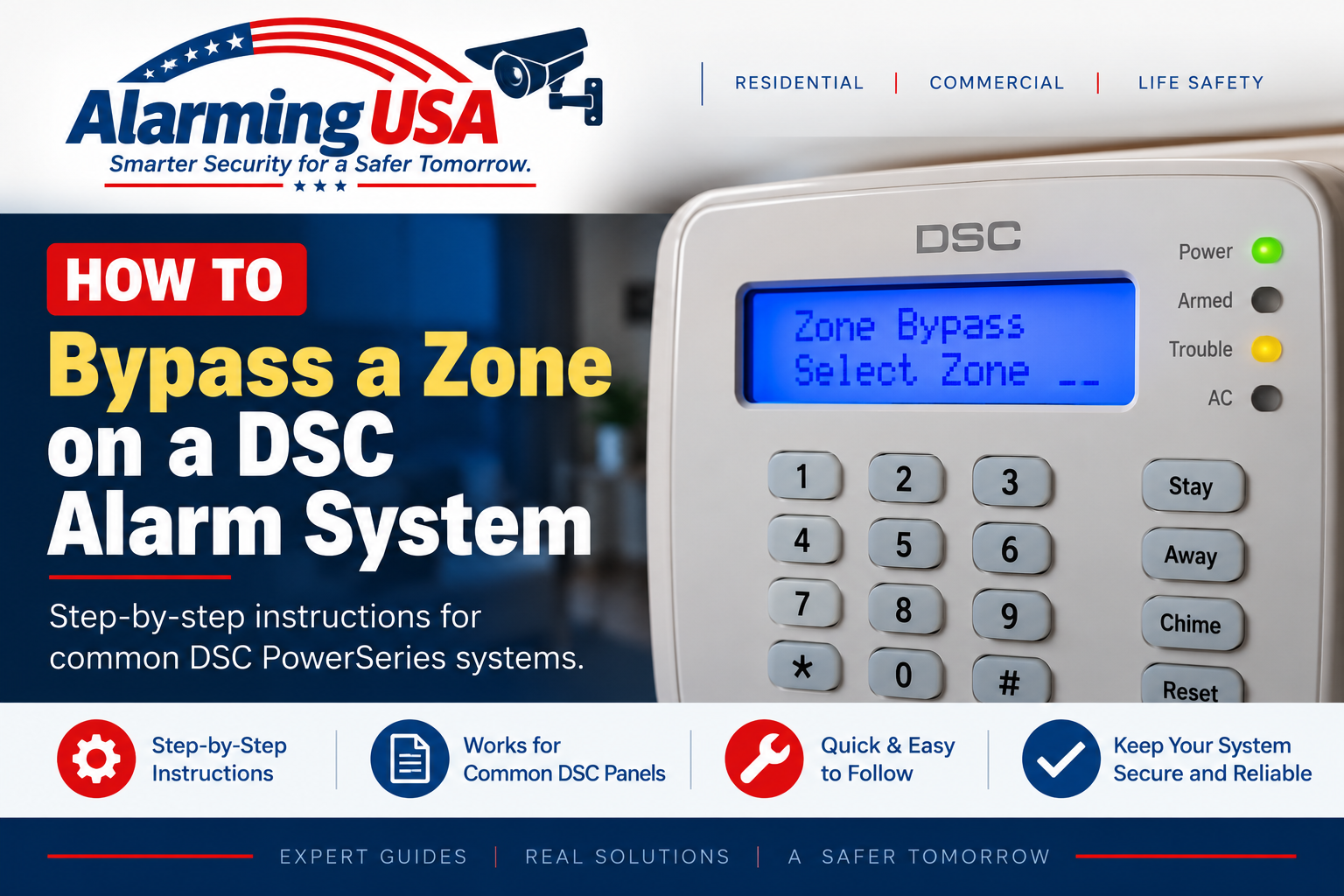
Sometimes you may need to temporarily exclude a door, window, or other zone before arming your DSC security system. This guide explains how to bypass a zone on a DSC alarm system, how to confirm which zone is bypassed, and how to restore normal protection afterward.
Important: a bypassed zone does not provide normal alarm protection while it is bypassed. DSC specifically warns that bypassing zones reduces the level of security. Never bypass a smoke, carbon-monoxide, fire, life-safety, or other critical zone unless the system documentation and a qualified alarm professional specifically permit it.
What Does Bypassing a DSC Zone Do?
Bypassing tells the alarm system to intentionally exclude a selected zone when the system is armed. DSC documents this feature for situations such as temporarily accessing a protected area or dealing with a zone that is temporarily out of service while waiting for repair.
Identify Your DSC Panel and Zone First
Common DSC families include classic PowerSeries PC1616, PC1832, and PC1864; PowerSeries Neo HS2016, HS2032, HS2064, and HS2128; and PowerSeries Pro HS3032, HS3128, and HS3248. Keypad displays and zone-number formats can differ, so confirm the exact panel and the zone you intend to bypass before making any change.
How to Bypass a Zone on a DSC Alarm System
On documented PowerSeries Neo and PowerSeries Pro systems, zone bypassing is performed while the system is disarmed through the [*][1] bypass function. Depending on system programming, you may also need an authorized access code or proximity tag.
On an LCD keypad, enter or select the zone specified in the user guide and confirm that the keypad identifies it as bypassed. Zone-number length and display behavior can vary by system generation, so follow the instructions for your exact panel rather than assuming every DSC system uses the same zone-entry format.
Confirm the Correct Zone Is Bypassed
Before arming, carefully review the bypass indication on the keypad. DSC’s PowerSeries Neo documentation specifically advises users to ensure that no zones are unintentionally bypassed when arming. If the wrong zone is shown, remove that bypass before continuing.
How to Remove a DSC Zone Bypass
On supported DSC systems, returning to the bypass menu and selecting an already bypassed zone toggles that zone back to normal. PowerSeries Pro also provides a Clear Bypasses option for clearing bypass indications from applicable zones. Follow the exact user manual for your panel.
Does the Bypass Clear Automatically?
DSC’s PowerSeries Neo and PowerSeries Pro documentation states that ordinary manually bypassed zones are generally cancelled when the system is disarmed. Special zone types, including certain 24-hour zones, can behave differently and may require manual restoration. Always verify the keypad before the next arming cycle.
Why Would You Bypass a Zone?
- A noncritical door or window zone is temporarily awaiting service.
- An authorized user needs temporary access to a normally protected area while other permitted areas remain armed.
- A qualified alarm professional has instructed you to temporarily bypass a specific non-life-safety zone during troubleshooting.
Do Not Use Bypass as a Permanent Repair
If a zone repeatedly needs to be bypassed because of a bad contact, damaged wiring, device fault, or another problem, arrange for service. Leaving part of an alarm system routinely bypassed reduces the protection the system was designed to provide.
Some Zones May Not Be Bypassable
DSC notes that installers can configure systems to prevent certain zones from being bypassed, including life-safety zones such as smoke detection. Do not attempt to defeat or reprogram those protections.
When to Contact Your Alarm Company
- You cannot confidently identify the correct zone.
- A life-safety or critical zone is involved.
- The keypad does not match the documented procedure for your panel.
- A zone repeatedly needs bypassing because it is malfunctioning.
- The installation is commercial, fire, life-safety, or otherwise regulated.
Related DSC DIY Guides
Continue with our DSC series: change DSC user codes, change a DSC alarm panel battery, and understand a DSC yellow trouble light.
Official DSC Documentation
DSC’s official PowerSeries Neo user manual documents zone bypassing and the security limitations of bypassed zones. DSC also provides separate user documentation for classic PowerSeries PC1616/PC1832/PC1864 systems and PowerSeries Pro systems.
Final Thoughts
Learning how to bypass a zone on a DSC alarm system can be useful when an authorized user needs to temporarily exclude a specific noncritical zone. On documented PowerSeries Neo and Pro systems, the bypass function is accessed through [*][1], with the exact zone-selection process depending on the panel and keypad.
Always confirm the correct zone before arming, remember that a bypassed zone will not provide normal alarm protection, and repair malfunctioning zones rather than relying on bypass as a permanent solution.