
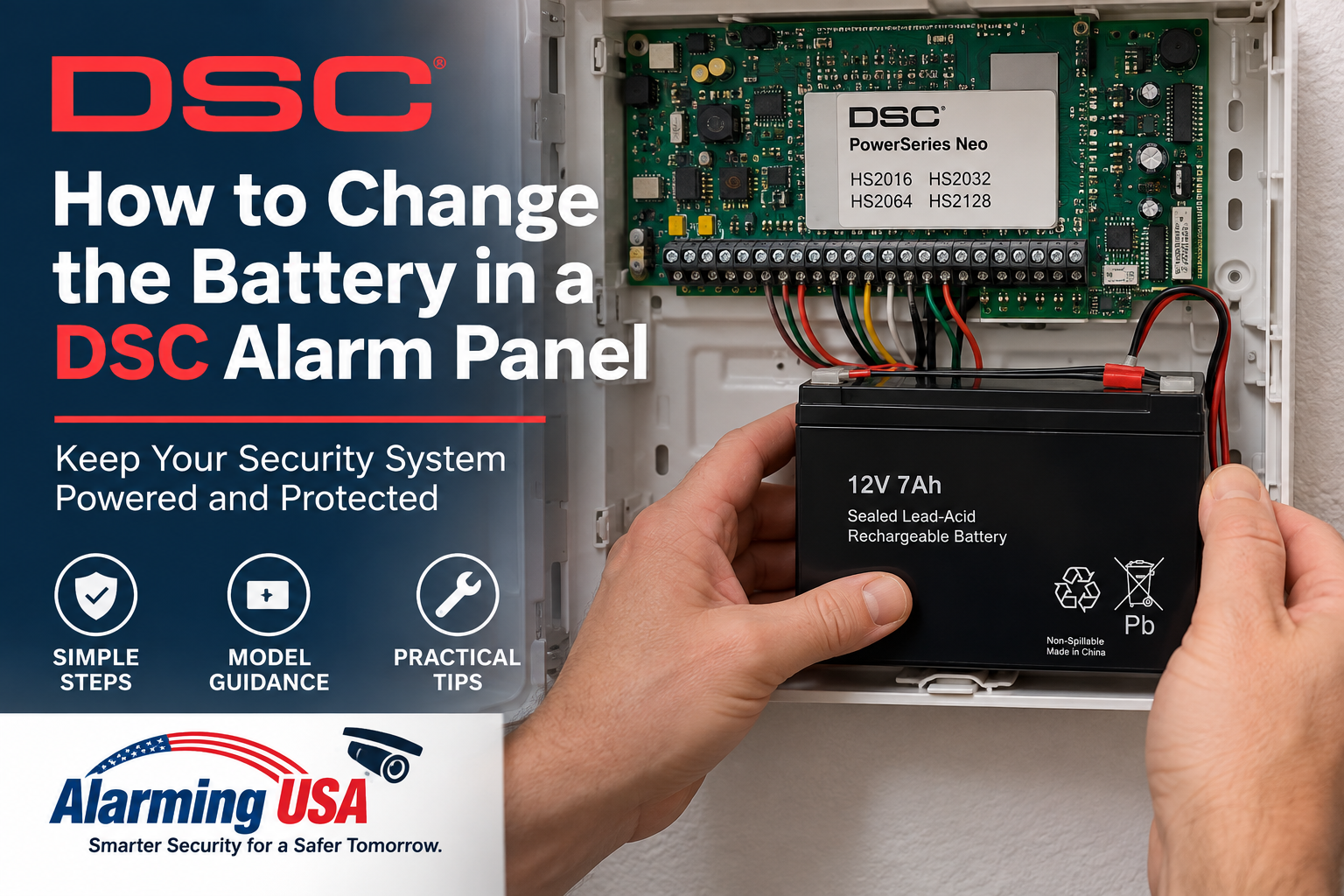
A low-battery warning on a DSC security system can mean the control panel’s standby battery needs attention. This guide explains how to change the battery in a DSC alarm panel at a safe, model-aware level, including how to identify the correct panel family and when an alarm professional should handle the replacement.
This article is about the standby battery inside the main DSC control-panel enclosure, not batteries in wireless door contacts, motion detectors, keypads, or other wireless devices.
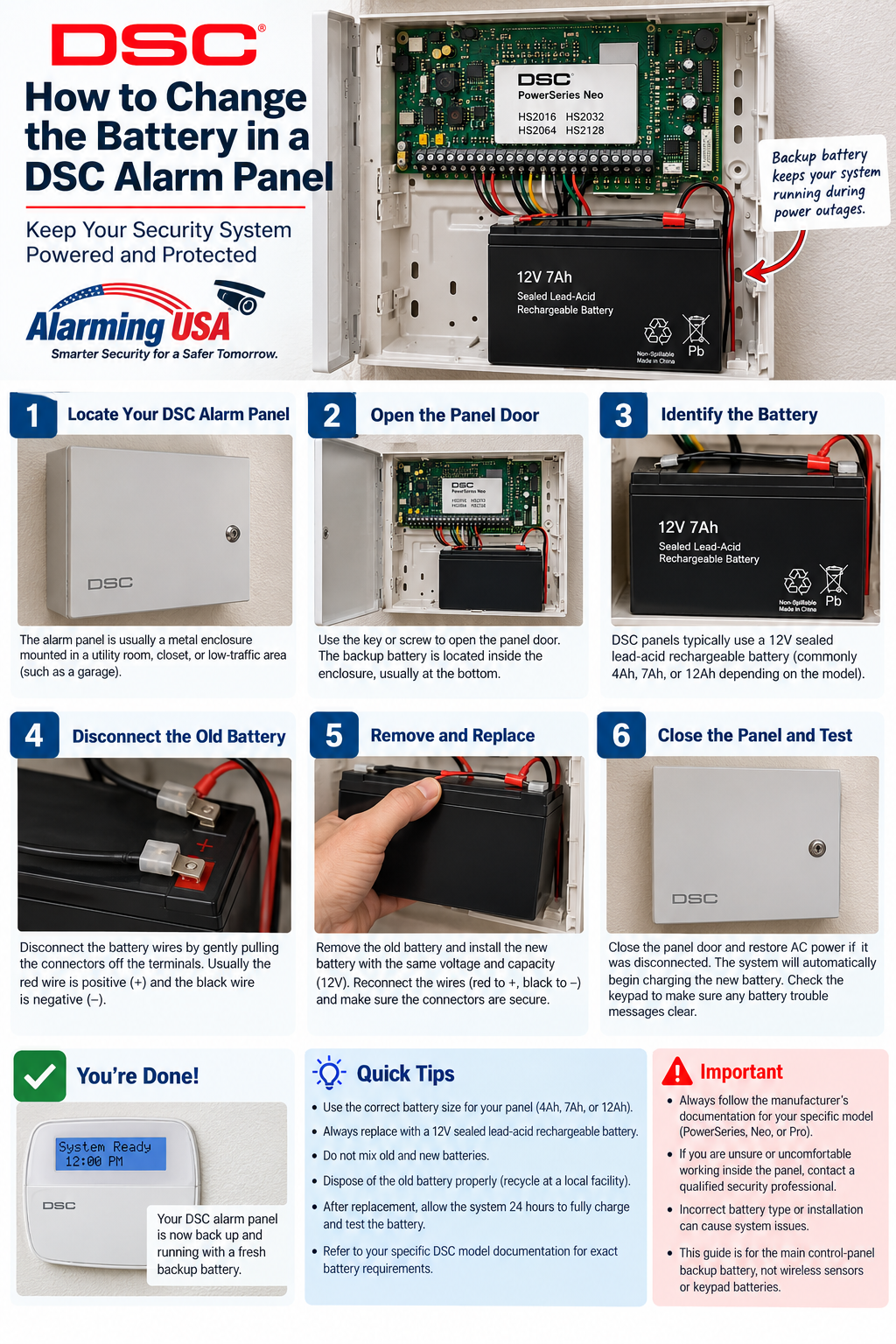
Identify Your DSC Alarm Panel First
DSC has produced several generations of alarm controls. Common families include classic PowerSeries models such as the PC1616, PC1832, and PC1864; PowerSeries Neo models such as the HS2016, HS2032, HS2064, and HS2128; and PowerSeries Pro models such as the HS3032, HS3128, and HS3248.
Battery requirements are model- and installation-specific. Do not buy a replacement based only on the DSC logo on the keypad. Check the control-panel model and its documentation first.
Need a replacement alarm battery? Check this replacement alarm battery on Amazon . (paid link)
As an Amazon Associate I earn from qualifying purchases.What the DSC Backup Battery Does
The standby battery helps keep a compatible alarm system operating when normal AC power is unavailable. DSC publishes battery standby calculation information for PowerSeries Neo and PowerSeries Pro because required battery capacity depends on the system and its connected equipment.
Signs the Panel Battery May Need Attention
- The keypad reports a battery-related trouble condition.
- A battery trouble remains after the system has had adequate time to recharge following an outage.
- The battery is visibly swollen, leaking, damaged, or unusually hot.
- An alarm technician or system test identifies a failing standby battery.
A battery warning immediately after a long power outage does not always mean the battery must be replaced. The system may need time to recharge and perform another battery test.
How to Change the Battery in a DSC Alarm Panel Safely
The control enclosure contains alarm electronics and may contain or be connected to electrical power. Use the instructions for the exact DSC model. If you are not trained and authorized to service powered alarm equipment, have the alarm company or a qualified adult technician replace the battery.
Do not touch exposed electrical terminals, transformer wiring, or other power-supply components. Never handle a battery that is swollen, leaking, damaged, or hot. A damaged battery should be handled according to the battery manufacturer’s safety and disposal instructions.
Choose the Correct Replacement Battery
Use the battery type and capacity specified for the exact panel and installation. Do not assume every DSC panel uses the same battery. System load, standby requirements, enclosure configuration, and applicable installation standards can affect the required battery.
DSC provides a dedicated Battery Standby Calculation Chart for the PowerSeries Neo HS2016, HS2032, HS2064, and HS2128 family, and PowerSeries Pro documentation also includes battery-calculation information.
After a Battery Is Replaced
After an approved replacement is installed according to the manufacturer’s instructions, allow the system to operate normally and recharge as required. A battery-related trouble indication may not disappear instantly because the panel can wait for a subsequent battery test before clearing the condition.
If the trouble remains after the system has had sufficient recharge and test time, contact the alarm provider. The problem may involve charging, power, wiring, or another system condition rather than the battery alone.
PowerSeries Neo Battery Information
DSC’s official PowerSeries Neo documentation covers the HS2016, HS2032, HS2064, and HS2128 and includes a Battery Standby Calculation Chart. Use the documentation for the exact model and installation when determining the appropriate standby battery.
Classic DSC PowerSeries Panels
Older PowerSeries panels such as the PC1616, PC1832, and PC1864 have their own installation and user documentation. Instructions written for a newer Neo or Pro panel should not automatically be applied to these older controls.
PowerSeries Pro Panels
PowerSeries Pro includes the HS3032, HS3128, and HS3248. DSC provides separate reference, installation, user, and battery-calculation documentation for this family. Larger or more complex installations may have standby-power requirements that are best handled by a qualified alarm professional.
Do Not Confuse Panel and Wireless-Device Batteries
A wireless sensor low-battery message is a different issue from a control-panel standby-battery trouble. Before replacing anything, determine which device the keypad is reporting. Wireless sensor and motion-detector batteries should be covered in separate model-specific guides.
Battery Disposal
Follow the battery manufacturer’s recycling instructions and local requirements rather than placing a rechargeable alarm battery in ordinary household trash.
When to Call an Alarm Professional
- You cannot identify the panel or correct battery specification.
- The battery is swollen, leaking, damaged, or hot.
- The enclosure contains wiring or electrical components you are not trained to service.
- The battery trouble returns after an approved replacement has had time to recharge and test.
- The system is used for fire, life-safety, commercial, or regulated applications.
Related Alarming USA Guide
If you also need to manage authorized users, see our guide on how to change codes on a DSC alarm system.
Official DSC Documentation
DSC provides official documentation for the PowerSeries Neo HS2016/HS2032/HS2064/HS2128 family, the classic PowerSeries PC1616/PC1832/PC1864 family, and PowerSeries Pro HS3032/HS3128/HS3248. Use the documentation for the exact model and revision before servicing the standby-power system.
Final Thoughts
Knowing how to change the battery in a DSC alarm panel starts with identifying the exact control panel and the battery specification required for that installation. DSC publishes separate documentation for its PowerSeries, PowerSeries Neo, and PowerSeries Pro families, so model-specific information matters.
If the battery or enclosure shows damage, or you are not trained to work around the panel’s power components, have a qualified alarm professional perform the replacement. Once an approved battery is installed, give the system the recharge and test time specified by the manufacturer before assuming a remaining trouble indication means the new battery has failed.
[…] the trouble display identifies the control-panel standby battery, see our guide to changing the battery in a DSC alarm panel. A battery-related indication may require recharge and a later system battery test before it […]