
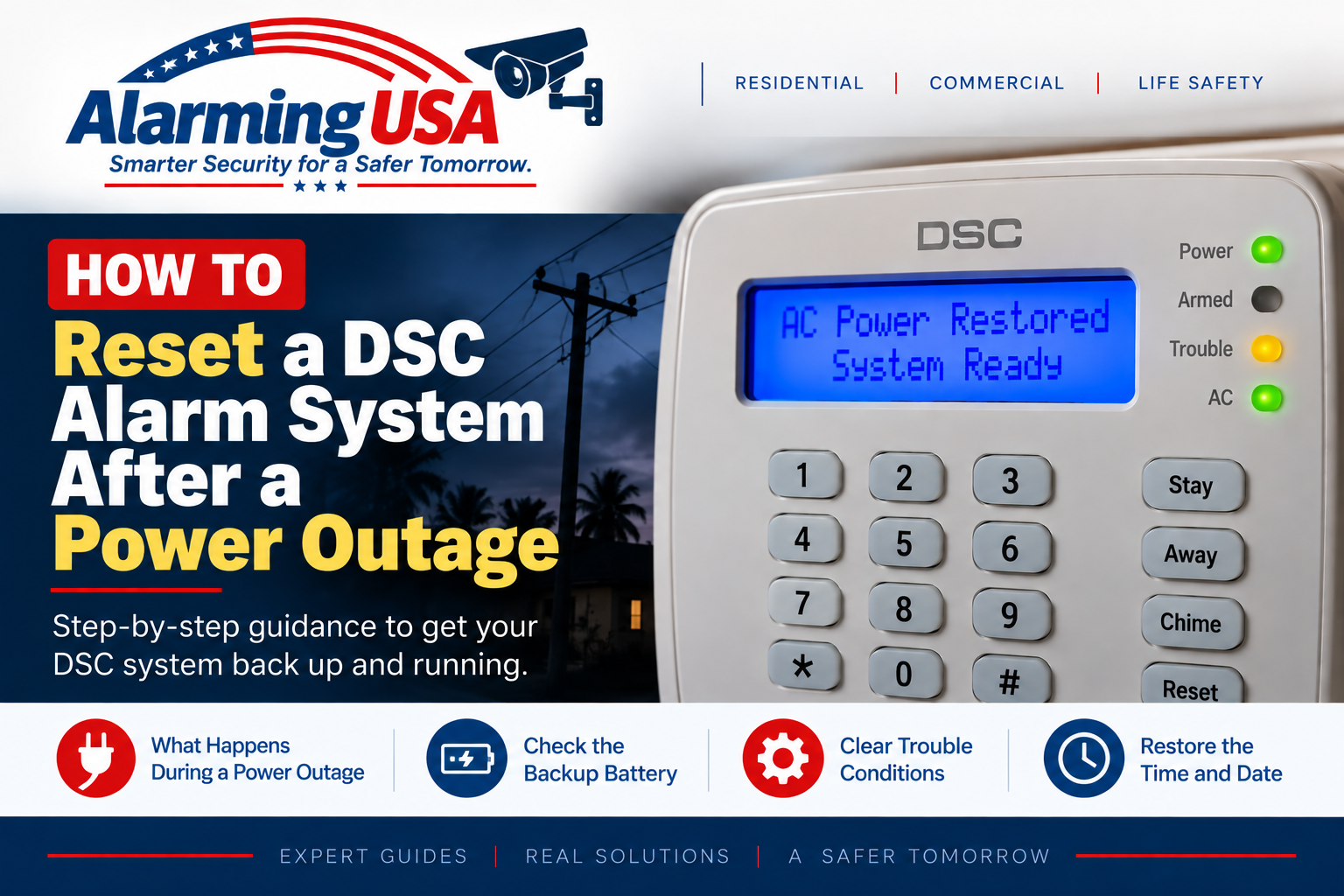
After a power outage, a DSC alarm may show a trouble light, beep at the keypad, display an incorrect clock, or report a low standby battery. This guide explains how to reset a DSC alarm system after a power outage by checking the system in the right order instead of performing an unnecessary factory reset.
In many cases, there is no special “power outage reset” command. Once normal AC power returns, the panel should resume normal operation, recharge its standby battery, and clear restored trouble conditions according to the system’s normal testing cycle.
How to Reset a DSC Alarm System After a Power Outage
Start by confirming that normal building power has returned and then check the keypad for any remaining trouble indication. Do not open electrical equipment, handle exposed power wiring, or attempt a factory reset simply because the power went out.
Step 1: Check the DSC Keypad
Look for a trouble light, trouble message, unusual beeping, or an incorrect time and date. The keypad is the safest place to begin because it can tell you what the system still needs after power is restored.
Step 2: View Any Active Trouble Condition
On supported DSC PowerSeries systems, the user trouble display is accessed with [*][2]. Use the display and the user manual for your exact panel to identify the active condition. Keypad wording and trouble categories can differ between classic PowerSeries, PowerSeries Neo, and PowerSeries Pro.
Step 3: Allow the Standby Battery to Recharge
During an outage, the alarm system can operate from its standby battery. A long outage can discharge that battery enough to create a battery-related trouble indication. After AC power returns, give the system time to recharge and perform its normal battery testing before assuming the battery has failed.
Step 4: Correct the Time and Date if Necessary
If the system clock is incorrect after the outage, restore it using the documented user procedure for your panel. See our guide on how to change the time and date on a DSC alarm system.
Step 5: Check Whether the Trouble Clears
Once AC power is restored, the clock is correct, and the battery has had time to recover, check the keypad again. Some supervised conditions do not disappear immediately because the panel must confirm that the condition has been restored.
What If the Yellow Trouble Light Stays On?
Do not assume the remaining trouble is still caused by the outage. Use the trouble display to identify it. Our DSC yellow trouble light guide explains how to investigate common trouble conditions without changing installer programming.
What If the DSC Keypad Keeps Beeping?
A keypad can continue to sound while an active trouble is being reported. See our guide on how to stop a DSC alarm system from beeping. Silencing an audible warning does not correct the underlying trouble.
What If the Battery Trouble Does Not Clear?
If the panel continues to report a standby-battery condition after adequate recharge and testing time, the battery or charging system may need service. See our DSC alarm panel battery guide for model-aware information.
Do Not Factory Reset the Panel
A normal utility outage is not a reason to factory-reset a DSC alarm panel. A factory reset can affect programming and system configuration and is not part of ordinary homeowner recovery after an outage. If the panel does not recover normally, contact the alarm provider or a qualified alarm technician.
When to Contact Your Alarm Company
- Normal building power has returned but the panel still reports an AC-related trouble.
- The standby-battery trouble remains after sufficient recharge and testing time.
- The keypad is blank or the system does not appear to power back up.
- The system reports a communication, module, wiring, or supervision trouble.
- The system protects fire, life-safety, commercial, or regulated premises.
Related DSC DIY Guides
Continue with our DSC series: clear a DSC yellow trouble light, stop a DSC alarm from beeping, check a DSC panel battery, and change the DSC time and date.
Official DSC Documentation
DSC maintains separate user documentation for classic PowerSeries PC1616/PC1832/PC1864 systems and other PowerSeries generations. Use the manual for your exact panel and keypad when trouble displays or recovery behavior differ.
Final Thoughts
Understanding how to reset a DSC alarm system after a power outage usually means restoring normal power, checking the trouble display, allowing the standby battery to recharge, and correcting the system clock if needed. It generally does not mean erasing or factory-resetting the panel.
If the system still reports trouble after these normal recovery steps, identify the specific condition from the keypad and arrange service when necessary.