
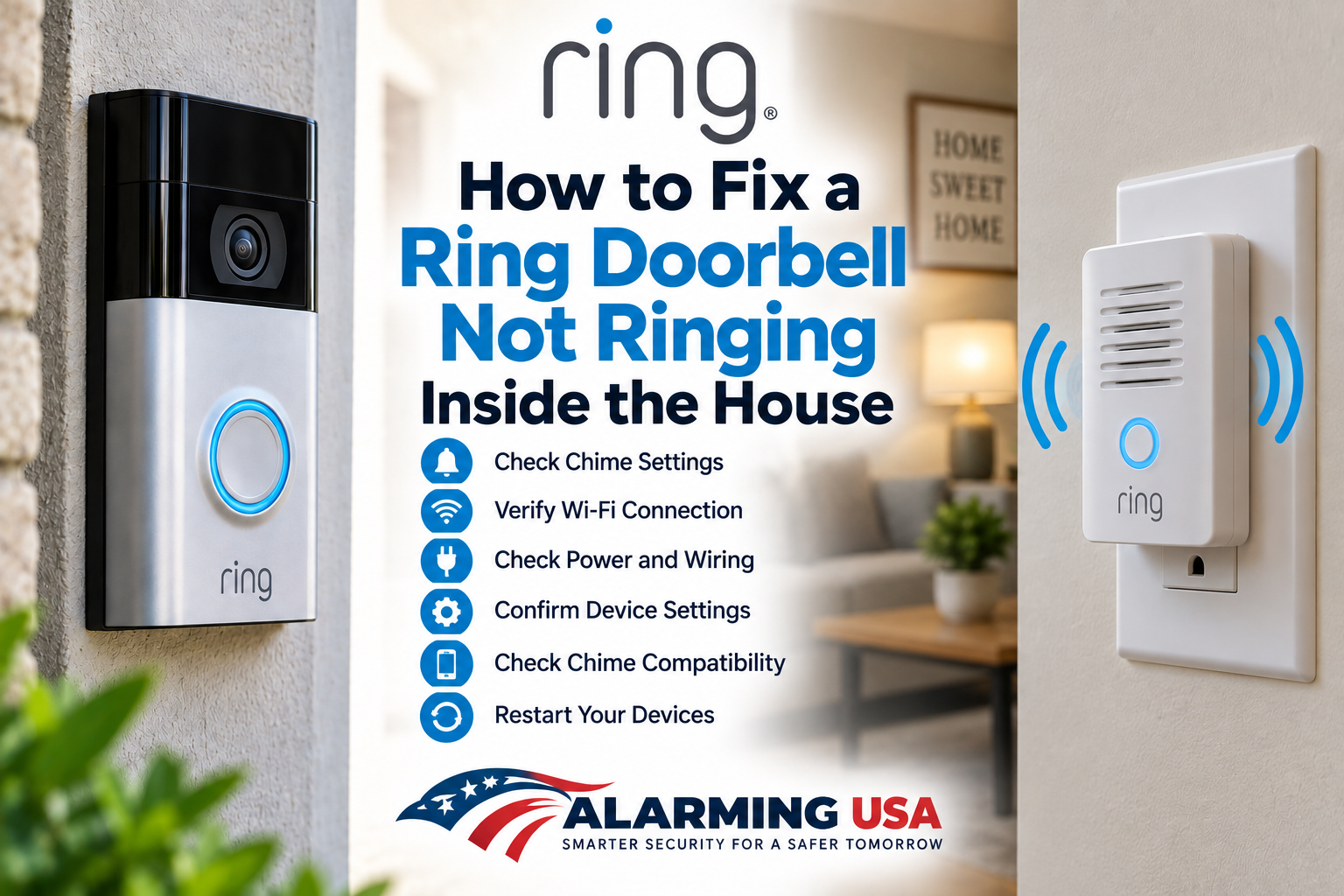
If your Ring Doorbell is not ringing inside the house, the doorbell may still send notifications to your phone even though your existing indoor chime stays silent. The cause can vary by Ring model and installation, so start with the Ring app settings before changing any wiring.
Ring Doorbell Not Ringing Inside the House? Start With the Chime Settings
For compatible wired installations, open the Ring app, select your doorbell, and review its in-home chime settings. Depending on the model and app version, these controls may appear under Device Settings and In-home Chime Settings. Make sure the configuration matches the type of chime installed in your home.
Step 1: Confirm Your Ring Doorbell Supports an Existing Chime
Not every Ring Doorbell model or installation works with every existing mechanical or digital chime. Check Ring’s compatibility information for your exact doorbell model before assuming the indoor chime should sound. Battery-powered and wired Ring models can have different requirements.
Step 2: Check In-Home Chime Settings in the Ring App
Open the Ring app and select your Ring Doorbell. Look under the device settings for the in-home chime controls available for your model. If the app provides a chime type or in-home chime option, confirm it matches your installation and is enabled where appropriate.
Step 3: Check Device Health and Power
Open Device Health for your Ring Doorbell and check its status. On supported wired models, Device Health can provide power information. A power or installation issue can affect doorbell operation even when some app functions still appear to work.
Step 4: Test the Doorbell From the Front Door
Press the Ring Doorbell button and note exactly what happens. Check whether the Ring app receives the event, whether the doorbell itself responds, and whether the indoor chime sounds. This helps separate an app or network problem from an in-home chime problem.
Step 5: Check Your Existing Chime Compatibility
If the Ring Doorbell works but the indoor chime does not, verify that the existing chime is compatible with your specific Ring model. Ring publishes model-specific compatibility information because transformer, chime, and installation requirements are not identical across all Ring Doorbells.
Step 6: Review the Installation for Your Exact Model
If the problem began after installation or a wiring change, compare the installation with Ring’s instructions for your exact model. Some Ring Doorbells use model-specific accessories or wiring configurations. Do not assume instructions for a different Ring Doorbell apply to yours.
Step 7: Consider a Ring Chime
If your installation does not use a compatible existing in-home chime, a compatible Ring Chime can provide audible notifications inside the house. Ring Chime connects to your Ring devices through the Ring ecosystem and plugs into a standard indoor outlet.
What If the Ring Doorbell Is Offline?
If the doorbell also shows offline or has connection problems, troubleshoot that issue first. See our Ring Doorbell keeps going offline guide and our Ring Doorbell poor Wi-Fi signal guide.
What If Live View Is Not Working Too?
If the indoor chime problem is accompanied by video problems, see our Ring Doorbell Live View not working guide. Multiple symptoms can point to a broader connectivity or device-status issue rather than the indoor chime alone.
Quick Indoor Chime Checklist
- Confirm your Ring model supports the existing in-home chime.
- Review the in-home chime settings in the Ring app.
- Check Device Health and available power information.
- Press the doorbell and compare the app response with the indoor chime response.
- Verify chime compatibility for your exact Ring model.
- Review the model-specific installation instructions.
- Consider a compatible Ring Chime when an existing chime is not supported.
Final Thoughts
When a Ring Doorbell is not ringing inside the house, don’t immediately assume the doorbell itself has failed. Start by confirming model compatibility and checking the Ring app’s in-home chime settings. Then check Device Health, power information where available, and the installation requirements for your exact model.
If the Ring app receives doorbell events normally but the indoor chime remains silent, focus your troubleshooting on chime compatibility, configuration, and the model-specific installation rather than Wi-Fi alone.