
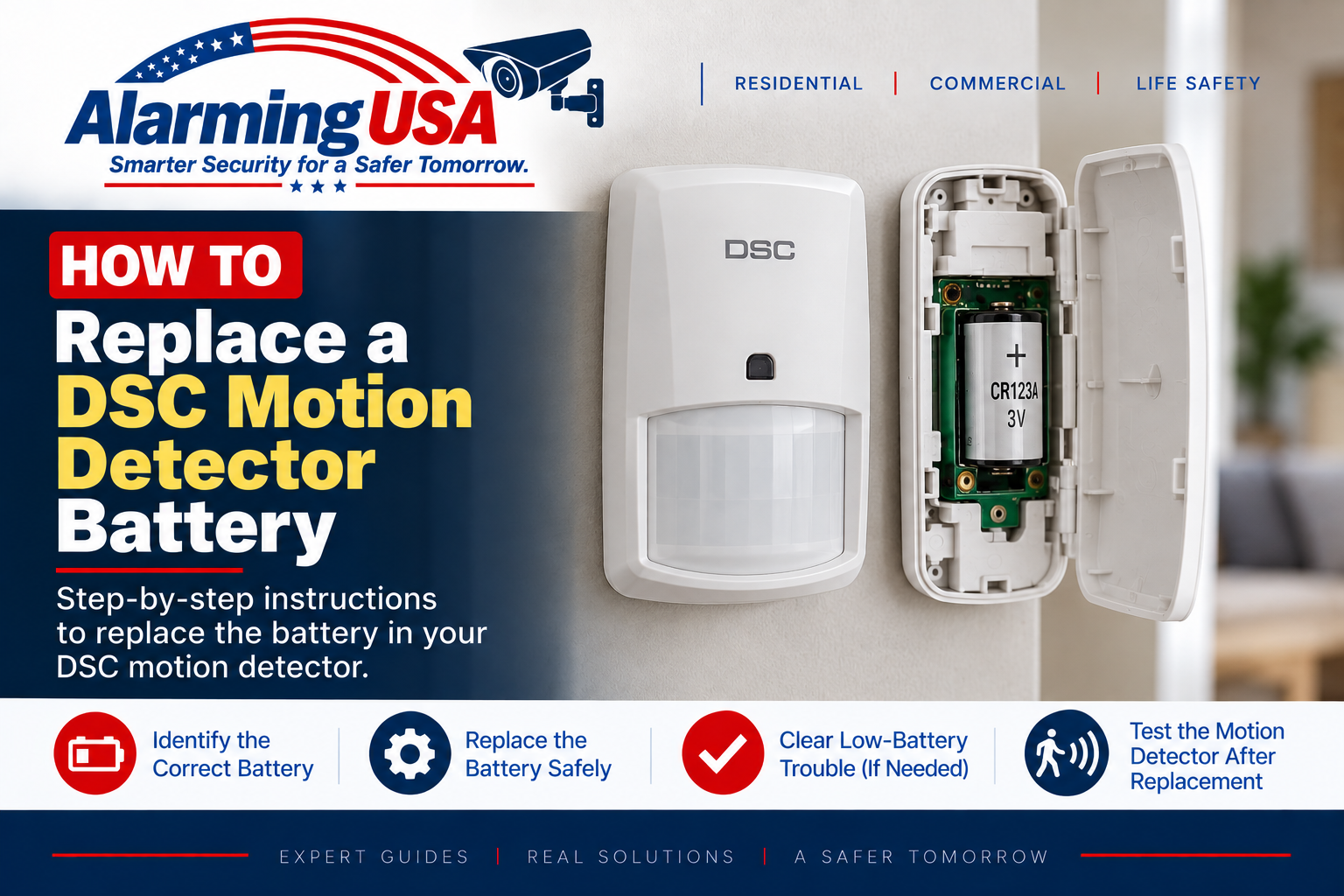
If your DSC keypad reports a low battery for a wireless motion detector, the battery inside that detector may need replacement. This guide explains how to replace DSC motion detector battery power correctly by identifying the detector first, using the specified replacement battery, and testing the device afterward.
DSC makes several PowerG motion detectors, including models such as the PG9904P, PGx914, PGx924, PGx984P, and PGx994. These devices do not all use the same battery or housing design, so identify the exact model before opening the detector or purchasing a replacement battery.
How to Replace DSC Motion Detector Battery Power
The general process is to identify the detector model, check DSC’s documentation for the specified battery, follow the model-specific instructions for opening the housing, replace the battery with the correct type and polarity, close the detector completely, and then verify normal operation.
Step 1: Identify the DSC Motion Detector
Look for a model number on the detector or in the system documentation. DSC’s PowerG lineup includes standard indoor PIR, pet-immune, curtain, dual-technology, and outdoor motion detectors. Similar-looking devices may have different battery requirements.
Step 2: Verify the Correct Replacement Battery
Check the installation manual or DSC’s PowerG Device Replacement Batteries documentation for the exact detector. Use the specified battery type and observe the polarity markings. Do not substitute a different size, voltage, or battery chemistry simply because it fits the compartment.
Step 3: Follow Monitoring and Tamper Procedures
Opening a wireless motion detector can activate its tamper supervision. If the system is professionally monitored, follow your alarm company’s service or test procedure before opening the detector so any resulting signal is handled appropriately.
Step 4: Open the Detector Using Its Model-Specific Instructions
Use the release method shown in the installation guide for your detector. Avoid forcing the cover, damaging the lens, or touching sensitive electronic components unnecessarily. Housing and tamper arrangements vary between DSC motion-detector models.
Step 5: Install the New Battery
Remove the old battery and install the exact replacement specified for the detector, following the polarity markings in the device or its documentation. Keep batteries away from children and pets and follow the battery manufacturer’s handling and disposal instructions.
Step 6: Close the Detector Completely
Reinstall the cover correctly so the detector’s tamper mechanism returns to its normal condition. A cover that is not properly seated can leave a tamper indication even though the battery has been replaced.
Step 7: Test the Motion Detector
Use the testing procedure specified for your exact DSC detector and alarm panel. Motion detectors can have power-saving behavior and model-specific walk-test procedures, so do not judge operation solely by whether an indicator flashes immediately after every movement.
Why Is the Low-Battery Trouble Still Showing?
The panel may need time to receive an updated status from the wireless detector. Confirm that the correct battery is installed, polarity is correct, the housing is fully closed, and the detector communicates normally. If the condition remains, use the panel’s trouble display and the detector documentation to identify the problem.
Motion Detector Battery vs. Main Panel Battery
A wireless motion-detector battery is separate from the larger standby battery inside the DSC alarm control panel. If the system reports a control-panel battery trouble instead, see our guide to changing the battery in a DSC alarm panel.
What If the Yellow Trouble Light Remains On?
A remaining trouble light may indicate another system condition. See our DSC yellow trouble light guide and identify the active trouble before making additional changes.
Related DSC Battery Guide
If another wireless device is reporting low battery, see our guide on how to replace a DSC door or window sensor battery.
Official DSC Documentation
DSC publishes model-specific installation manuals for PowerG motion detectors and provides PowerG Device Replacement Batteries documentation for supported devices. Always check the documentation for the exact model before choosing a battery or opening the detector.
When to Contact Your Alarm Company
- You cannot identify the detector model or specified battery.
- The detector housing, lens, or mounting hardware is damaged.
- A tamper or low-battery condition remains after replacement.
- The panel no longer receives normal status from the detector.
- The device is part of a commercial, fire, life-safety, or regulated installation.
Final Thoughts
To replace DSC motion detector battery power correctly, identify the exact detector first and follow DSC’s model-specific documentation. Use the specified battery, close the housing properly, and perform the appropriate detector test afterward.
If a low-battery or tamper condition remains, investigate the reported condition rather than changing installer programming or repeatedly opening the detector.