
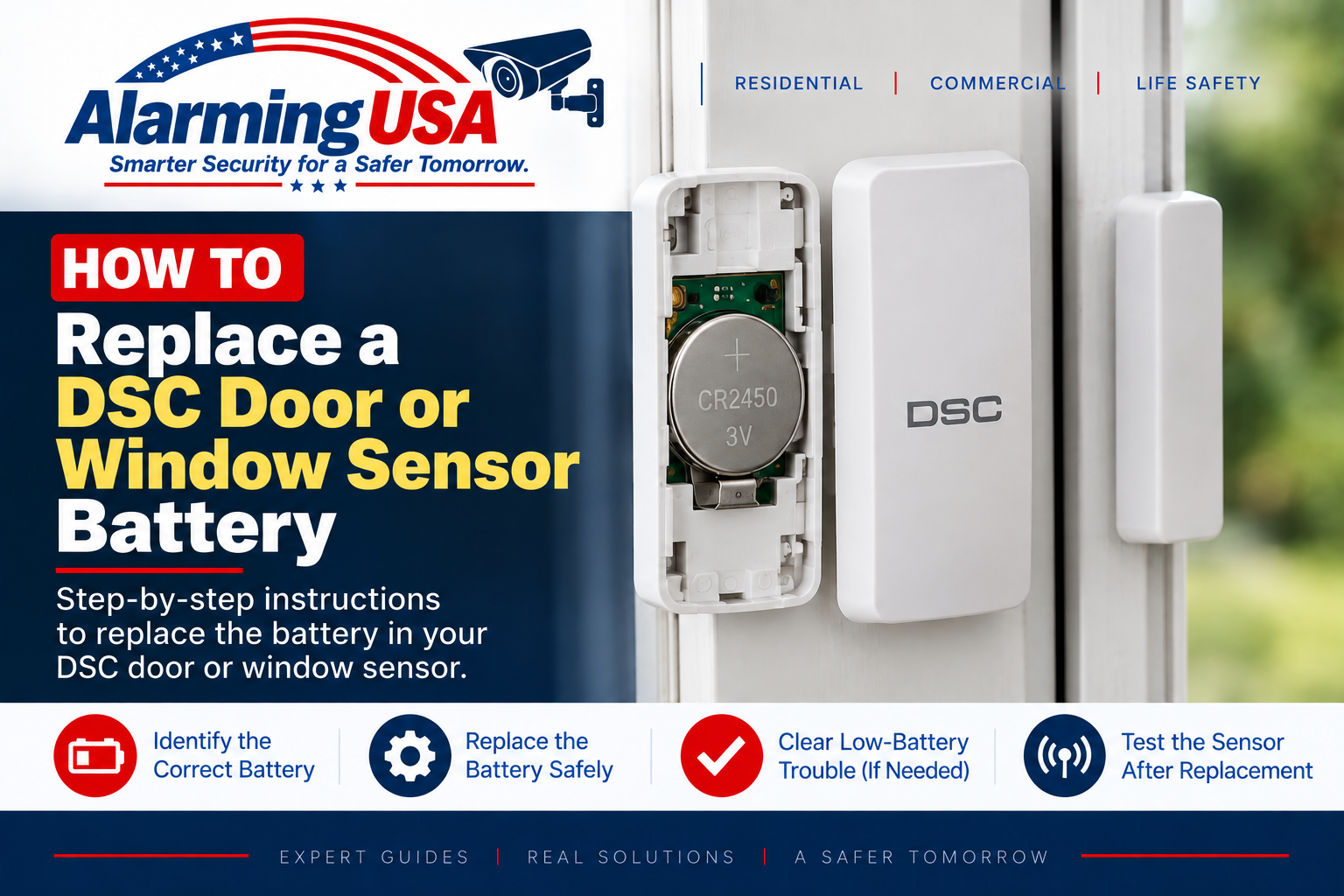
A low-battery warning from a wireless door or window contact does not necessarily mean the main alarm-panel battery is bad. This guide explains how to replace DSC door sensor battery power safely, identify the sensor model first, and confirm normal operation after the replacement.
DSC uses several different wireless door and window contacts, including PowerG models such as the PG9945, PG9975, and PG9303 family. Battery type and cover design vary by model, so identify the exact sensor before purchasing or installing a replacement battery.
How to Replace DSC Door Sensor Battery Power
The basic process is to identify the contact, follow its installation guide to open the housing, remove the old battery, install the exact replacement type specified for that model, close the housing completely, and test the contact at the keypad. Do not substitute a different battery chemistry, size, or voltage just because it physically fits.
Step 1: Identify the DSC Door or Window Sensor
Look for the model information on the contact or its documentation. DSC publishes separate installation instructions and a PowerG replacement-battery reference for its wireless devices. Common PowerG door/window families include PGx945, PG9975, and PGx303 contacts.
Step 2: Check the Correct Battery for Your Exact Model
Use DSC’s official installation instructions or replacement-battery chart to determine the required battery. Similar-looking contacts can use different batteries. Matching the exact model is more reliable than choosing a battery based on the appearance of the sensor.
Step 3: If Monitored, Follow Your Alarm Company’s Procedure
Opening a wireless contact can activate its tamper supervision. If your system is professionally monitored, follow your alarm company’s instructions before servicing the device so a tamper or related signal is handled correctly.
Step 4: Open the Sensor According to Its Manual
Use the opening method shown in the installation guide for the exact contact. Avoid forcing the housing or prying against circuit-board components. Different DSC contacts use different covers, catches, and tamper arrangements.
Step 5: Replace the Battery
Remove the old battery and install the specified replacement with the polarity shown by the device or its documentation. Keep batteries away from children and pets, and follow the battery manufacturer’s handling and disposal instructions.
Step 6: Close the Sensor Completely
Reinstall the cover correctly so the contact’s tamper mechanism returns to its normal state. A cover that is not fully seated can leave a tamper condition even when the new battery is working.
Step 7: Test the Door or Window Contact
Open and close the protected door or window and verify that the keypad recognizes the zone normally. If the system is monitored and you arranged a test period, complete the provider’s test procedure and confirm that normal monitoring is restored afterward.
Why Is the Low-Battery Trouble Still Showing?
A wireless-device battery indication may not disappear the instant the battery is replaced. Confirm that the correct battery is installed with proper polarity, that the cover is fully closed, and that the device communicates normally. Follow the manual for the device and panel if the trouble remains.
Door Sensor Battery vs. Main DSC Panel Battery
The small battery inside a wireless door or window contact is separate from the larger standby battery used by the alarm control panel. If the trouble display identifies the control-panel battery instead, see our guide to changing a DSC alarm panel battery.
What If the Yellow Trouble Light Remains On?
The panel may be reporting another condition. See our DSC yellow trouble light guide and use the trouble display to identify what the system is actually reporting.
Official DSC Battery Information
DSC publishes installation documentation for its PowerG door and window contacts and a dedicated PowerG device replacement-battery reference. Check the official documentation for the exact sensor model before selecting a replacement battery.
When to Contact Your Alarm Company
- You cannot identify the sensor model or correct battery.
- The housing is damaged or will not close properly.
- A tamper or low-battery trouble remains after replacement.
- The keypad no longer recognizes the contact.
- The device is part of a commercial, fire, life-safety, or regulated installation.
Final Thoughts
To replace DSC door sensor battery power correctly, start with the exact model number. Use the battery specified by DSC, follow the model-specific instructions for opening and closing the contact, and verify normal zone operation afterward.
If the low-battery or tamper indication remains, investigate the reported condition rather than repeatedly opening the sensor or changing system programming.