
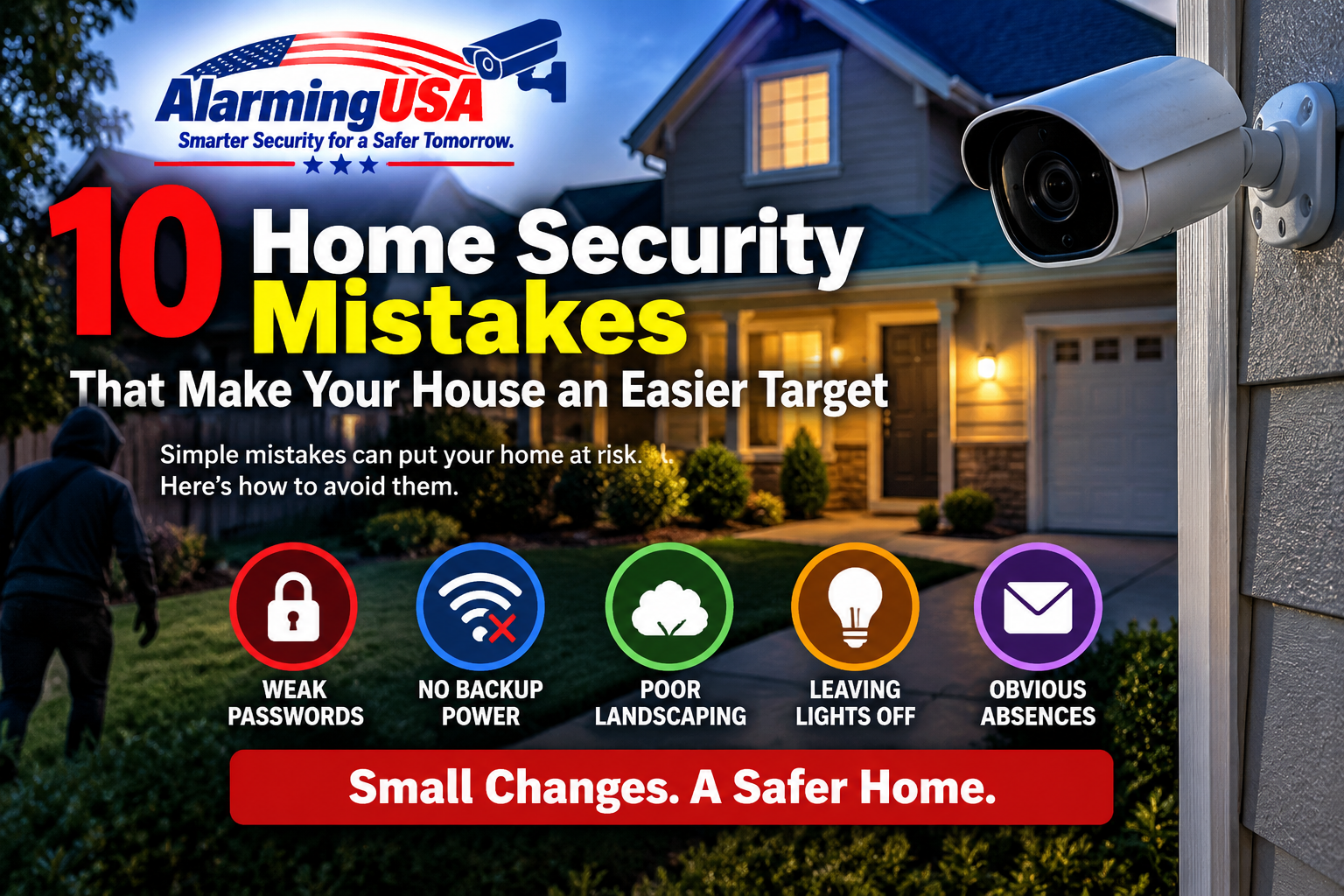
Many home security problems are not caused by expensive equipment or sophisticated technology. They come from simple oversights: poor camera placement, unlocked doors, visible valuables, ignored maintenance, or security equipment that no longer works as expected. Fixing these common mistakes can make a home security plan more effective without requiring a complete system replacement.
1. Relying on Cameras Alone
Security cameras are useful for monitoring activity and documenting events, but they should not be the only layer of protection. Cameras do not physically secure a door or window.
A stronger approach combines cameras with good locks, properly secured doors and windows, exterior lighting, and an alarm system when appropriate. Think of cameras as one part of a broader security plan rather than the entire plan.
2. Installing Cameras in the Wrong Places
A high-resolution camera is not very useful if it cannot clearly see the area you need to protect. Cameras mounted too high may capture the tops of people’s heads instead of useful identifying details, while cameras pointed toward bright lights or direct sunlight can struggle with difficult lighting conditions.
Prioritize entrances, driveways, walkways, gates, and other areas where people naturally approach the property. Before permanently mounting a camera, test the view during both daytime and nighttime conditions.
3. Ignoring Nighttime Camera Performance
A camera view that looks excellent during the day can look completely different after dark. Reflections, nearby walls, windows, landscaping, and other objects can interfere with infrared illumination and reduce nighttime image quality.
Check every important camera after sunset. Make sure faces and activity are visible in the areas that matter instead of assuming daytime placement will also work at night.
4. Forgetting About Power and Internet Outages
Many homeowners assume their cameras will continue operating normally when the electricity or internet goes out. That depends on the system.
Plug-in Wi-Fi cameras may shut down during a power failure, while battery cameras may continue operating but lose remote connectivity if the router is offline. PoE and recorder-based systems can also stop if the NVR, PoE switch, or other essential equipment loses power.
Our guide to security cameras during a power outage explains how battery cameras, Wi-Fi cameras, PoE systems, local storage, and UPS backup are affected.
5. Letting Landscaping Create Hiding Places
Overgrown shrubs, trees, fences, and other landscaping can reduce visibility around doors, windows, walkways, and cameras. They can also block motion detection or obscure a camera’s field of view.
Keep important sight lines reasonably clear, especially around entry points. Landscaping does not need to be eliminated; it should simply be maintained so it does not unintentionally conceal activity near the home.
6. Using Weak or Reused Passwords
Connected cameras, alarm systems, routers, and smart-home devices should use strong, unique passwords. Reusing the same password across multiple services means one compromised account can create problems elsewhere.
Enable multi-factor authentication when the manufacturer provides it, keep account recovery information current, and periodically review which users and devices have access to the system.
7. Ignoring Software and Firmware Updates
Security equipment is increasingly connected to apps, cloud services, and home networks. Manufacturers may release updates that address reliability, compatibility, performance, and security issues.
Check cameras, recorders, alarm panels, hubs, apps, and networking equipment periodically. If automatic updates are available from a trusted manufacturer, review whether enabling them makes sense for your setup.
8. Failing to Test the Alarm System
An alarm system can appear normal while a sensor, battery, communicator, siren, or other component has developed a problem. Waiting until an emergency to discover that something is not functioning is a preventable mistake.
Follow the manufacturer’s recommended testing procedure and, if the system is professionally monitored, coordinate testing with the monitoring provider when required. Also address trouble indicators instead of simply ignoring them.
9. Advertising That Nobody Is Home
An overflowing mailbox, packages left outside, consistently dark rooms, or public posts announcing a trip can make an extended absence more obvious.
Before traveling, arrange for mail and deliveries, use lighting thoughtfully, and avoid publicly sharing unnecessary details about when the house will be vacant. Trusted neighbors or family members can also help make an extended absence less obvious.
10. Installing Security Equipment and Never Checking It Again
Security systems need occasional maintenance. Camera lenses get dirty, batteries weaken, clocks drift, storage drives fill or fail, vegetation grows into camera views, and network changes can knock devices offline.
Periodically verify that cameras are online, recordings can actually be played back, timestamps are correct, sensors respond properly, and important notifications are still reaching the right people.
A Better Approach: Use Layers
Home security works best as a combination of measures rather than a single device. A practical layered approach may include:
- Strong exterior doors and properly functioning locks
- Secured windows and other accessible openings
- Appropriate exterior lighting
- Intrusion detection at key entry points
- Security cameras covering important approaches
- Reliable recording and storage
- Strong account and network security
- Backup power where continued operation is important
- Regular testing and maintenance
Don’t Forget the Basics
It is easy to focus on the newest camera resolution or smart-home feature while overlooking basic security practices. Expensive equipment cannot compensate for a door that is routinely left unlocked, a camera that no longer records, or an alarm sensor that has not been tested.
If you are planning a new DIY system, our DIY security camera systems comparison can help you compare different approaches to cameras, recording, storage, and subscriptions.
Final Thoughts
Improving home security does not always mean buying more equipment. Start by looking for weaknesses in the system you already have. Check doors and windows, review camera views after dark, verify recordings, test alarm equipment, review account security, and make sure important devices have the power and connectivity they need.
Correcting a few simple home security mistakes can make the equipment you already own considerably more useful.
ALARMING USA COMMUNITY
Discussion 0
Share your experience, ask a question, or reply to another member.
No comments yet. Be the first to start the discussion.