
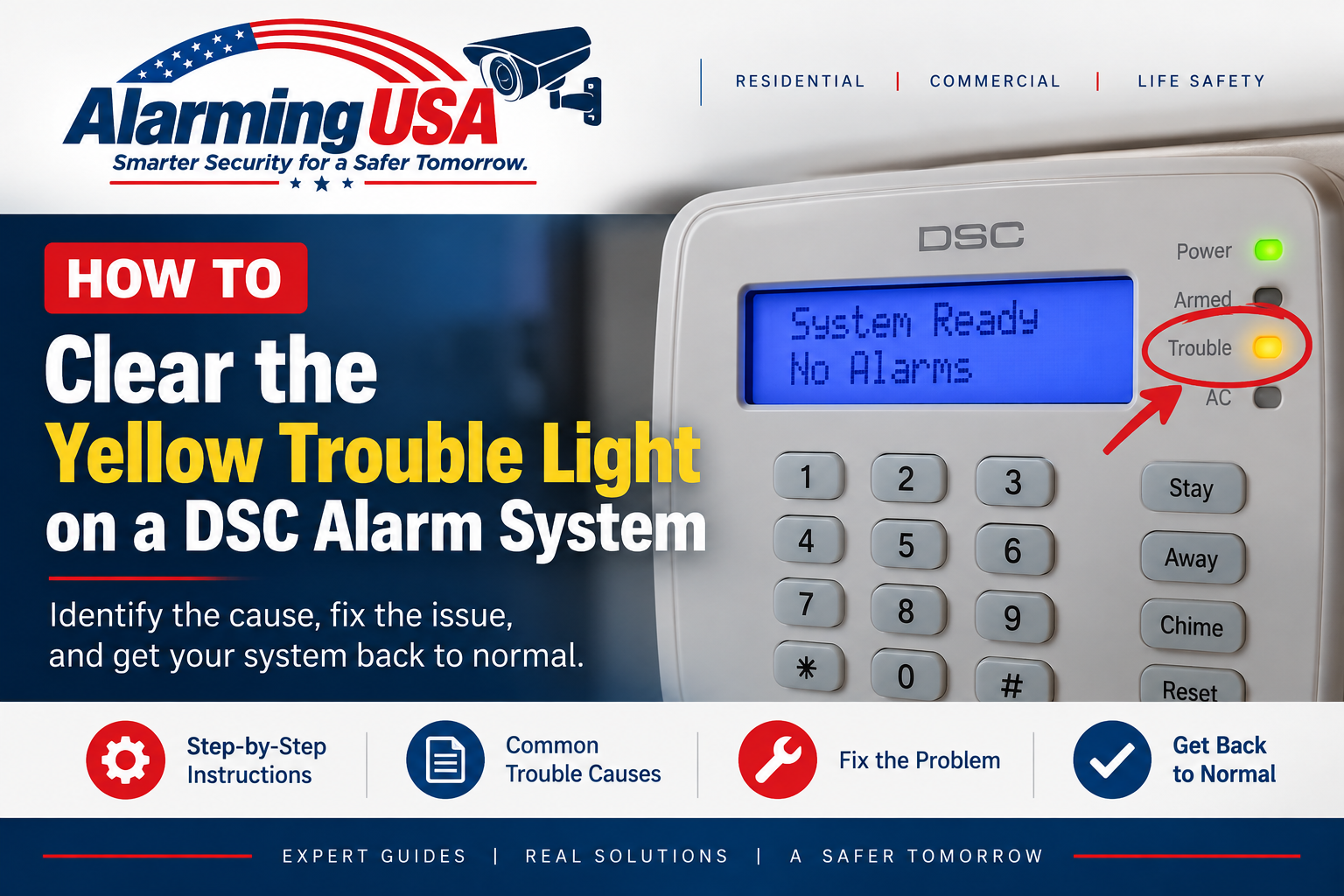
A DSC yellow trouble light means the alarm panel has detected a condition that needs attention. If the yellow trouble light is on at your DSC keypad, the panel is reporting a condition that needs attention. This guide explains how to clear the yellow trouble light on a DSC alarm system by first identifying the trouble condition and then correcting its cause.
The yellow light is usually an indicator, not the problem itself. DSC documentation for PowerSeries families provides a trouble-display function so users can identify the condition first.
What Does the Yellow Trouble Light Mean on a DSC Alarm?
An illuminated trouble indicator means the system has detected one or more trouble conditions. Depending on the model and installation, the cause may involve AC power, the standby battery, communications, a device or zone, time/date information, or another supervised system component.
Step 1: Identify Your DSC Panel
Common DSC families include classic PowerSeries PC1616, PC1832, and PC1864 panels; PowerSeries Neo HS2016, HS2032, HS2064, and HS2128 panels; and PowerSeries Pro HS3032, HS3128, and HS3248 panels. Trouble menus can vary by panel and keypad, so use the user guide for your exact model when the display differs.
Step 2: Display the Trouble Condition
On supported DSC PowerSeries systems, the user trouble-display function is accessed from the keypad with * + 2. LCD keypads can provide descriptive information and let you review active troubles. LED or icon keypads may indicate trouble categories differently, so consult the keypad or panel user guide rather than guessing from a light or number alone.
Step 3: Correct the Cause, Not Just the Light
After identifying the trouble, address the underlying condition using the instructions for your DSC model. When the panel determines that the trouble has been restored, the trouble indication should clear according to normal system operation.
Common DSC Trouble Conditions
- Loss of normal AC power
- Control-panel standby battery trouble
- Wireless-device battery trouble
- Communication trouble on systems using those services
- Device, module, or zone supervision trouble
- Incorrect or lost system date/time after certain power events
If the Trouble Is the Main Panel Battery
If the trouble display identifies the control-panel standby battery, see our guide to changing the battery in a DSC alarm panel. A battery-related indication may require recharge and a later system battery test before it disappears.
If the Trouble Appeared After a Power Outage
Confirm that normal building power has been restored. A long outage can also discharge the alarm panel’s standby battery. Even after AC power returns, a battery trouble may remain temporarily while the battery recharges and the panel performs another test.
If the System Date or Time Is Wrong
Some DSC systems can report a clock-related trouble after an extended loss of power. Follow the user guide for your exact panel to restore the date and time.
If a Wireless Device Has a Low Battery
A wireless-device battery trouble is different from a low main control-panel battery. Use the trouble display and system documentation to identify the affected device before replacing anything. Sensor battery types vary by device model.
Why the Yellow Light May Not Clear Immediately
Some conditions are supervised or tested periodically. After the cause is corrected, the panel may need time to recognize the restoration. For example, a replacement or recharged standby battery may not clear its trouble indication until the system performs the applicable battery check.
Do Not Enter Installer Programming Just to Clear a Trouble
Normal trouble viewing is a user function. If you are simply diagnosing a yellow trouble indicator, use the documented user trouble display rather than changing installer programming or system configuration.
When to Contact Your Alarm Company
- The trouble display reports a condition you cannot identify.
- The trouble returns after its apparent cause has been corrected.
- The system reports a communication, module, wiring, or supervision problem that requires service.
- The system is used for fire, life-safety, commercial, or regulated applications.
- You are unsure which DSC model or keypad you have.
Related DSC DIY Guides
Continue with our DSC series: How to Change User Codes on a DSC Alarm System and How to Change the Battery in a DSC Alarm Panel.
Official DSC Documentation
DSC maintains official user documentation for PowerSeries Neo, classic PowerSeries, and PowerSeries Pro systems. Refer to the user guide for your exact panel and keypad when trouble indications differ.
Final Thoughts
The best way to understand how to clear the yellow trouble light on a DSC alarm system is to treat the light as a warning that points you toward an underlying condition. On supported PowerSeries systems, use the * 2 trouble display to identify what the panel is reporting, then correct that condition using the documentation for your model.
2 thoughts on “What Does the DSC Yellow Trouble Light Mean?”