
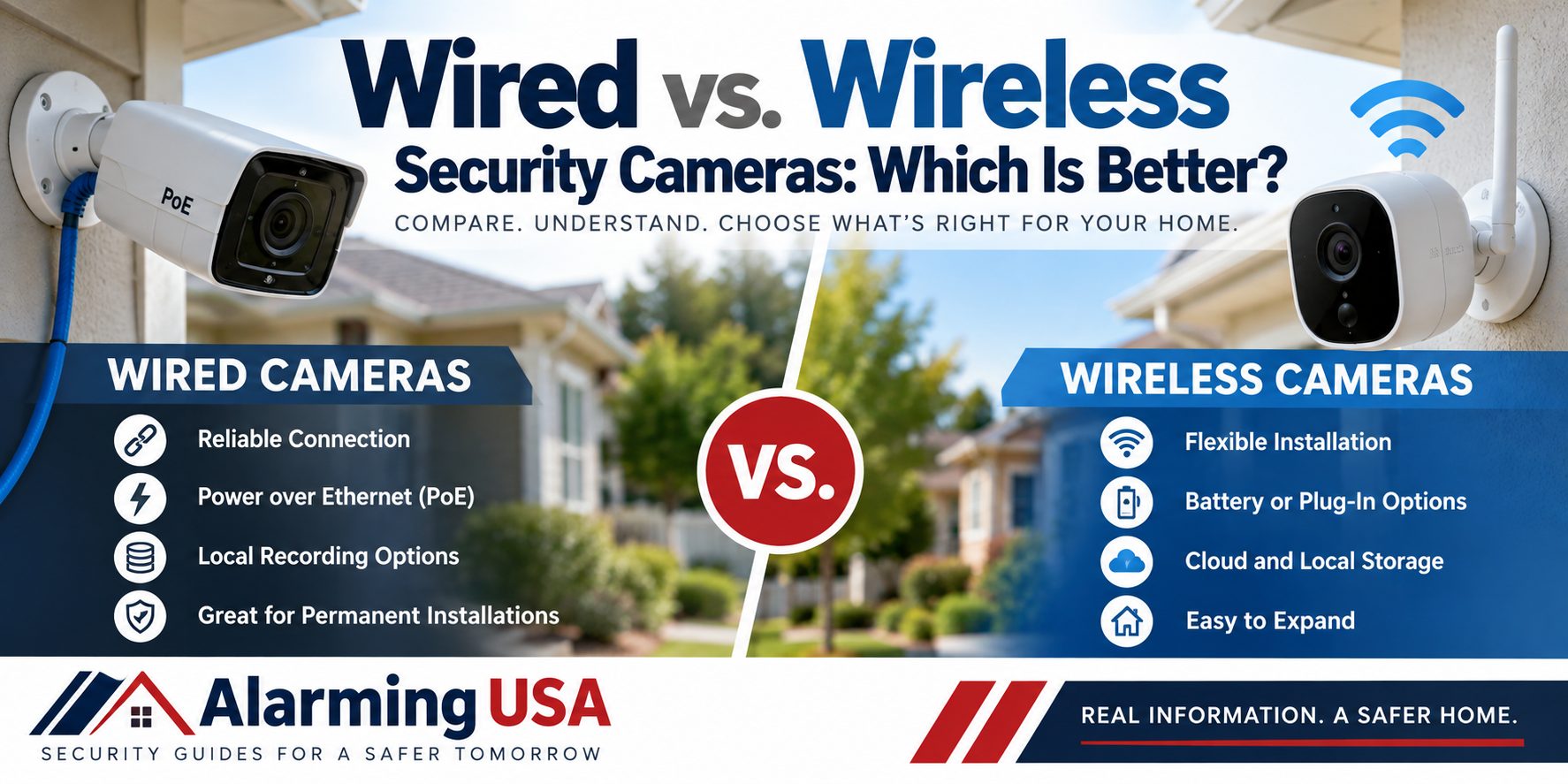
Choosing between wired and wireless security cameras is one of the most important decisions when planning a home surveillance system. Both types can provide useful video coverage, but they differ in installation, connectivity, power requirements, reliability, flexibility, and maintenance.
Understanding wired vs wireless security cameras can help you choose equipment that fits your property rather than simply buying whichever camera is easiest to install.
What Are Wired Security Cameras?
Wired security cameras use physical cabling to connect cameras to other equipment.
Many modern IP cameras connect through Ethernet cabling to a network switch, recorder, or other network equipment. Some support Power over Ethernet (PoE), which allows compatible equipment to carry both network data and electrical power over the same Ethernet cable.
Other camera systems may use different types of cabling depending on the technology.
A wired connection can provide consistent communication without requiring each camera to depend on Wi-Fi.
What Are Wireless Security Cameras?
The term “wireless camera” can sometimes be confusing.
Most wireless security cameras use Wi-Fi to transmit video and communicate with the network. However, wireless communication doesn’t necessarily mean the camera is completely wire-free.
Many Wi-Fi cameras still require a power cable.
Battery-powered cameras can eliminate the continuous power connection, but batteries must eventually be recharged or replaced.
When comparing cameras, check both the network connection and the power requirement.
Installation Differences
Installation is one of the biggest differences between wired and wireless cameras.
Wired cameras may require Ethernet or other cabling to be routed through walls, ceilings, attics, or exterior areas. This can make installation more complicated, particularly in an existing home.
Wireless cameras can often be positioned without installing new network cabling. This may make them easier to add to finished homes or locations where running cable would be difficult.
However, camera placement shouldn’t be based only on where installation is easiest. The camera still needs to provide a useful view of the area you’re trying to protect.
Reliability and Network Performance
Wired network cameras have a direct physical connection to the network, which can provide consistent communication when the system is properly installed.
Wi-Fi cameras depend on wireless coverage and network conditions.
Distance from the wireless access point, walls, building materials, interference, and other connected devices can affect wireless performance.
A strong home Wi-Fi network may support wireless cameras very well, while properties with weak coverage may require network improvements.
Power Requirements
Power is another major consideration when comparing wired vs wireless security cameras.
PoE cameras can receive both network connectivity and electrical power through one Ethernet cable when connected to compatible equipment.
Wi-Fi cameras often communicate wirelessly but still require an electrical outlet or another power source.
Battery-powered cameras provide additional installation flexibility, but battery life depends on factors such as recording activity, motion events, temperature, settings, and usage.
Consider how easily you’ll be able to maintain the camera after installation.
Recording Options
Security cameras can store recordings in several ways.
Depending on the system, video may be stored on:
- A network video recorder (NVR)
- A digital video recorder (DVR)
- A memory card
- Network storage
- Cloud storage
- Another compatible recording device
Some systems support both local and cloud recording.
Before purchasing cameras, determine whether recording requires a subscription and how long video will remain available.
What Happens if the Internet Goes Down?
Internet loss doesn’t affect every camera system the same way.
Some locally recorded wired systems may continue recording even when the property’s internet connection is unavailable, although remote viewing may stop working.
Some Wi-Fi cameras may also continue recording locally, depending on their design.
Cloud-dependent features generally require internet connectivity.
If continuous recording during an internet outage is important, verify exactly how the camera and recording system behave when external internet service is unavailable.
What Happens During a Power Outage?
Both wired and wireless cameras can stop operating if their power source is lost.
A wired PoE system may be easier to support with centralized backup power because cameras, network switches, and recording equipment can potentially be powered from protected equipment locations.
Wi-Fi cameras may depend on electrical outlets throughout the property.
Battery-powered cameras may continue operating temporarily, but the network equipment they rely on could still lose power.
When planning backup power, consider the entire camera system, including cameras, routers, switches, access points, and recording equipment.
Video Quality
A wired connection doesn’t automatically mean better picture quality.
Resolution, image sensor quality, lens selection, lighting, compression, camera settings, and image processing all influence the final video.
Both wired and wireless cameras are available with high-resolution video.
Network performance can still matter, particularly when multiple cameras are transmitting high-quality video simultaneously.
Choose cameras based on the image quality needed for the specific location rather than simply comparing resolution numbers.
Night Vision and Low-Light Performance
Nighttime performance is particularly important for outdoor cameras.
Many security cameras use infrared illumination to produce images in very low light. Others use visible lighting, sensitive image sensors, or combinations of technologies to provide additional detail.
Real-world nighttime performance can be affected by nearby walls, reflective surfaces, landscaping, weather, and available lighting.
Whenever possible, evaluate how a camera performs under the actual lighting conditions where it will be installed.
Maintenance
Wired systems can reduce some routine maintenance because continuously powered cameras don’t require battery charging.
However, wired systems still require maintenance. Connections, recording equipment, storage, software, cameras, and network hardware should be checked periodically.
Wireless systems may require additional attention to Wi-Fi connectivity and, for battery-powered equipment, battery condition.
Regardless of camera type, keep firmware and related applications updated.
Flexibility and Expansion
Wireless cameras can be attractive when flexibility is a priority.
Adding another Wi-Fi camera may be relatively simple if suitable power and wireless coverage are already available.
Battery cameras can provide even more placement flexibility.
Expanding a wired system may require additional cabling, but properly installed network cabling can provide reliable infrastructure for many years.
If you’re building or renovating a home, planning camera and network cabling before walls are finished can make future expansion easier.
Security and Privacy
Any internet-connected security camera should be treated as a network device that needs protection.
Use strong, unique passwords and enable multi-factor authentication when supported. Keep camera firmware, apps, routers, and other network equipment updated.
Also consider privacy when positioning cameras. Avoid unnecessarily recording areas where people reasonably expect privacy, and understand any laws or rules that apply where you live.
The Federal Trade Commission also recommends taking steps to secure home security cameras and the networks they use.
Cost Differences
Wireless cameras may reduce installation costs when extensive cabling would otherwise be required.
However, the camera price isn’t the entire cost.
Consider expenses such as:
- Cameras
- Cabling
- Installation
- Network equipment
- Recording equipment
- Storage
- Cloud subscriptions
- Replacement batteries
- Backup power
- Future expansion
A wired installation may cost more initially but provide permanent infrastructure. A wireless system may be easier to install but could involve subscriptions or additional network equipment.
Compare the total cost over time.
Can You Use Wired and Wireless Cameras Together?
Yes. Many homes can benefit from a combination of technologies.
For example, wired PoE cameras might cover important exterior locations where continuous recording is desired, while a wireless camera could be used in an area where installing Ethernet cable would be difficult.
A hybrid approach allows the camera technology to match each location instead of forcing every camera to use the same connection method.
Wired vs. Wireless Security Cameras: Which Should You Choose?
There isn’t one answer that’s right for every home.
Wired cameras may make sense when:
- Permanent camera locations are planned.
- Network cabling is already available.
- Continuous power and recording are priorities.
- Multiple cameras will operate simultaneously.
- The home is under construction or renovation.
Wireless cameras may make sense when:
- Running new network cable would be difficult.
- Installation flexibility is important.
- Only a few cameras are needed.
- Strong Wi-Fi coverage is already available.
- Equipment may need to be relocated later.
For many homes, the best solution may actually be a combination of both.
Final Thoughts
The choice between wired vs wireless security cameras should be based on more than installation convenience.
Think about camera placement, power, network reliability, recording requirements, maintenance, storage, backup power, and long-term expansion.
A well-positioned camera connected through the appropriate technology can be far more useful than an expensive camera installed in the wrong location.
Choose the connection method that supports what you actually need the camera to accomplish.
If you’re deciding how much of your system to install yourself, see our guide comparing DIY vs professional home security.
[…] For more information about choosing the connection method, see our guide to wired vs wireless security cameras. […]