
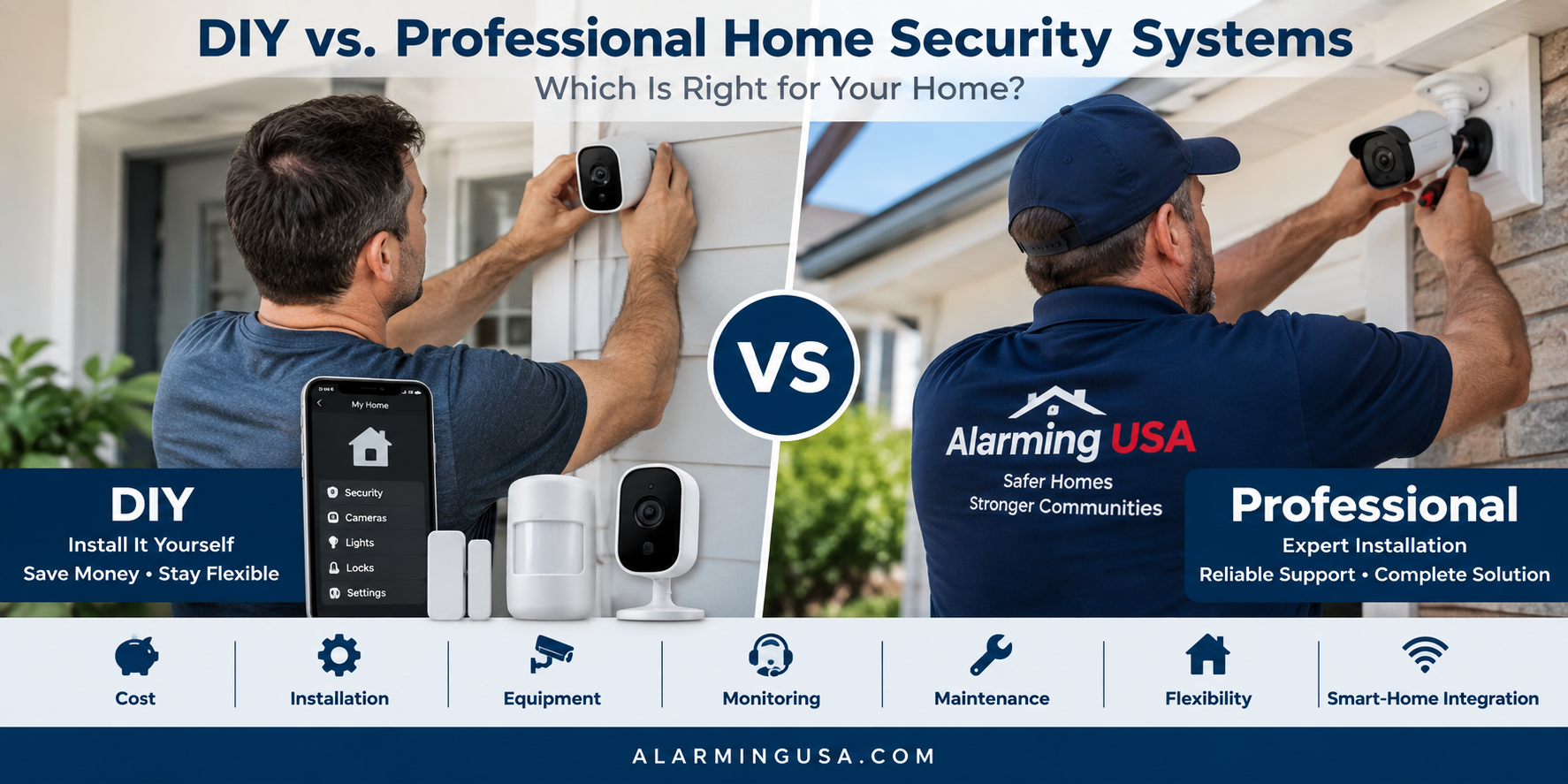
Choosing between a DIY security system and a professionally installed system can have a major impact on the cost, installation, maintenance, and everyday use of your home security.
Both approaches can provide effective protection. The better fit depends on your home, budget, technical comfort level, and the type of equipment you want to install.
Understanding the differences between DIY vs professional home security can help you decide which approach makes the most sense for your property.
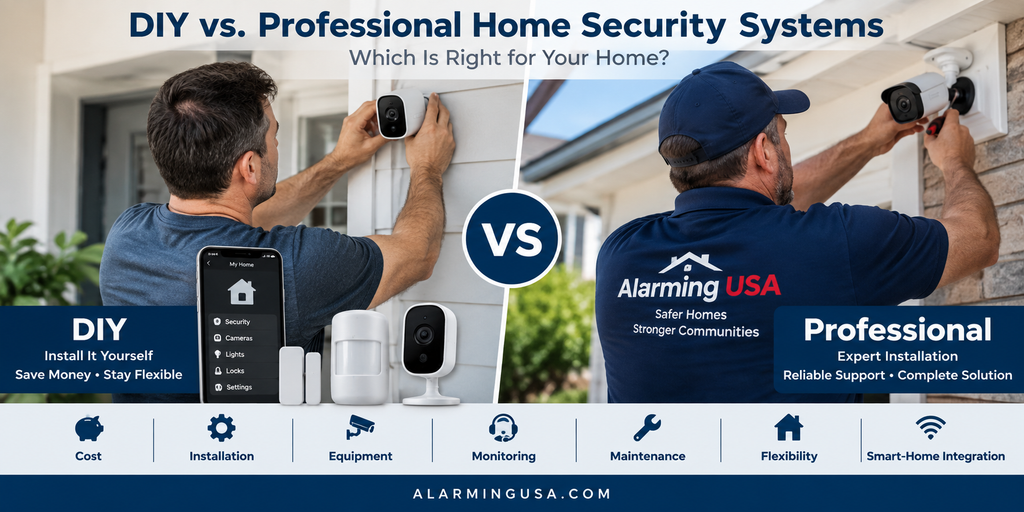
What Is a DIY Home Security System?
A DIY home security system is designed so homeowners can install and configure much of the equipment themselves.
These systems commonly use wireless door and window sensors, motion detectors, cameras, video doorbells, keypads, and a central hub or control panel.
Manufacturers often provide mobile apps that walk users through installation and configuration.
Because professional installation may not be required, DIY systems can reduce upfront costs and allow you to install equipment on your own schedule.
What Is a Professionally Installed Security System?
A professionally installed security system is installed and configured by a technician or security provider.
Depending on the system, the installer may mount sensors, run wiring, install cameras, configure communication equipment, test devices, and show you how to operate the system.
Professional installation can be especially useful for larger homes, complicated installations, hardwired equipment, or systems containing numerous cameras and sensors.
Installation Differences
Installation is one of the biggest differences when comparing DIY vs professional home security.
DIY equipment is generally designed to simplify installation. Many sensors can be mounted without running new wires, although cameras and other devices may still require power or network connections.
Professional installers can handle more complicated tasks, including cable installation, equipment placement, system programming, and integration between multiple devices.
Before choosing DIY solely to save money, consider whether you’re comfortable installing and troubleshooting the equipment yourself.
Equipment Options
DIY systems often come as starter packages that can be expanded with additional compatible equipment.
You might begin with a control panel, several door sensors, and a motion detector, then add cameras, smart locks, or additional sensors later.
Professionally installed systems can also be expandable and may offer equipment designed for more complex installations.
Whichever approach you choose, check compatibility before purchasing additional devices. Not every sensor or camera works with every security platform.
Cost Differences
Cost is an important consideration.
DIY systems may reduce installation expenses because you’re providing the labor yourself. However, you’ll still need to consider equipment prices, subscriptions, video storage, monitoring, replacement batteries, and future expansion.
Professionally installed systems may include installation charges in addition to equipment and recurring services.
When comparing prices, look at the total cost over time, not simply the advertised starter price.
For a more detailed breakdown, read our guide to home security system cost.
Professional Monitoring
DIY installation doesn’t necessarily mean self-monitoring.
Many DIY security systems offer optional professional monitoring, while professionally installed systems frequently offer or require monitoring services depending on the provider and plan.
Professional monitoring allows supported alarm signals to be sent to a monitoring center where operators can follow established response procedures.
If you’re comparing monitoring options, see our guide explaining professional alarm monitoring and how it works.
Security Cameras
Security cameras deserve special consideration because installation requirements vary significantly.
Some Wi-Fi cameras are relatively simple to install, while wired cameras may require network cabling, electrical work, mounting at difficult locations, or configuration of recording equipment.
Camera placement also matters. A camera that is easy to install isn’t necessarily positioned where it will provide the most useful view.
If your planned camera installation involves difficult wiring, high mounting locations, or complicated networking, professional installation may be worth considering.
For additional consumer guidance, the Federal Trade Commission provides information about shopping for and using connected smart-home devices safely.
Maintenance and Troubleshooting
Every security system requires some maintenance.
DIY users should be comfortable with tasks such as replacing batteries, reconnecting devices, checking wireless connections, updating equipment, and troubleshooting occasional problems.
With a professionally supported system, some troubleshooting or maintenance may be available through the security provider, depending on the service agreement.
Before purchasing, find out what support is included and whether service visits involve additional charges.
Flexibility
DIY systems can offer considerable flexibility.
Because many components are wireless and user-installed, equipment can often be added, relocated, or removed relatively easily.
This can be particularly useful for renters or homeowners who expect their security needs to change.
Professional systems can also be flexible, but modifying a hardwired or more complicated installation may require additional service work.
Smart-Home Integration
Both DIY and professionally installed systems may integrate with smart-home technology.
Depending on the platform, compatible equipment might include smart locks, lights, thermostats, garage-door controls, video doorbells, and voice assistants.
Don’t assume compatibility simply because two products are described as “smart.”
Check the manufacturer’s compatibility information before purchasing equipment you expect to use together.
When DIY May Make Sense
A DIY system may be worth considering when:
- You have a smaller or straightforward installation.
- You are comfortable setting up electronic devices.
- Running extensive new wiring isn’t necessary.
- You want to minimize installation costs.
- You expect to add or relocate equipment later.
- You prefer greater control over installation and configuration.
When Professional Installation May Make Sense
Professional installation may be worth considering when:
- The property is large or complicated.
- Extensive wiring is required.
- Multiple wired cameras are being installed.
- Equipment must be mounted in difficult locations.
- You aren’t comfortable configuring the system yourself.
- You want an installer to test and demonstrate the equipment.
- Multiple security technologies need to work together.
Can You Combine DIY and Professional Installation?
Yes. You don’t necessarily have to choose one approach for every component.
A homeowner might install wireless sensors and smart-home devices independently while hiring a professional to install wired exterior cameras or other complicated equipment.
This hybrid approach can provide DIY flexibility while still using professional help where specialized installation makes sense.
Which Approach Is Right for Your Home?
The choice between DIY vs professional home security isn’t simply about which option costs less.
Think about the complexity of your property, the equipment you need, your ability to install and maintain it, and the amount of support you want after installation.
For a simple home with wireless equipment, DIY installation may be straightforward. For a larger property with extensive wiring, multiple cameras, or more complicated requirements, professional installation may provide advantages.
Most importantly, focus on designing a system that addresses your actual security needs. Whether you install it yourself or hire a professional, thoughtful equipment selection, proper placement, reliable communication, and regular maintenance are what make the system useful.
[…] If you’re deciding how much of your system to install yourself, see our guide comparing DIY vs professional home security. […]