
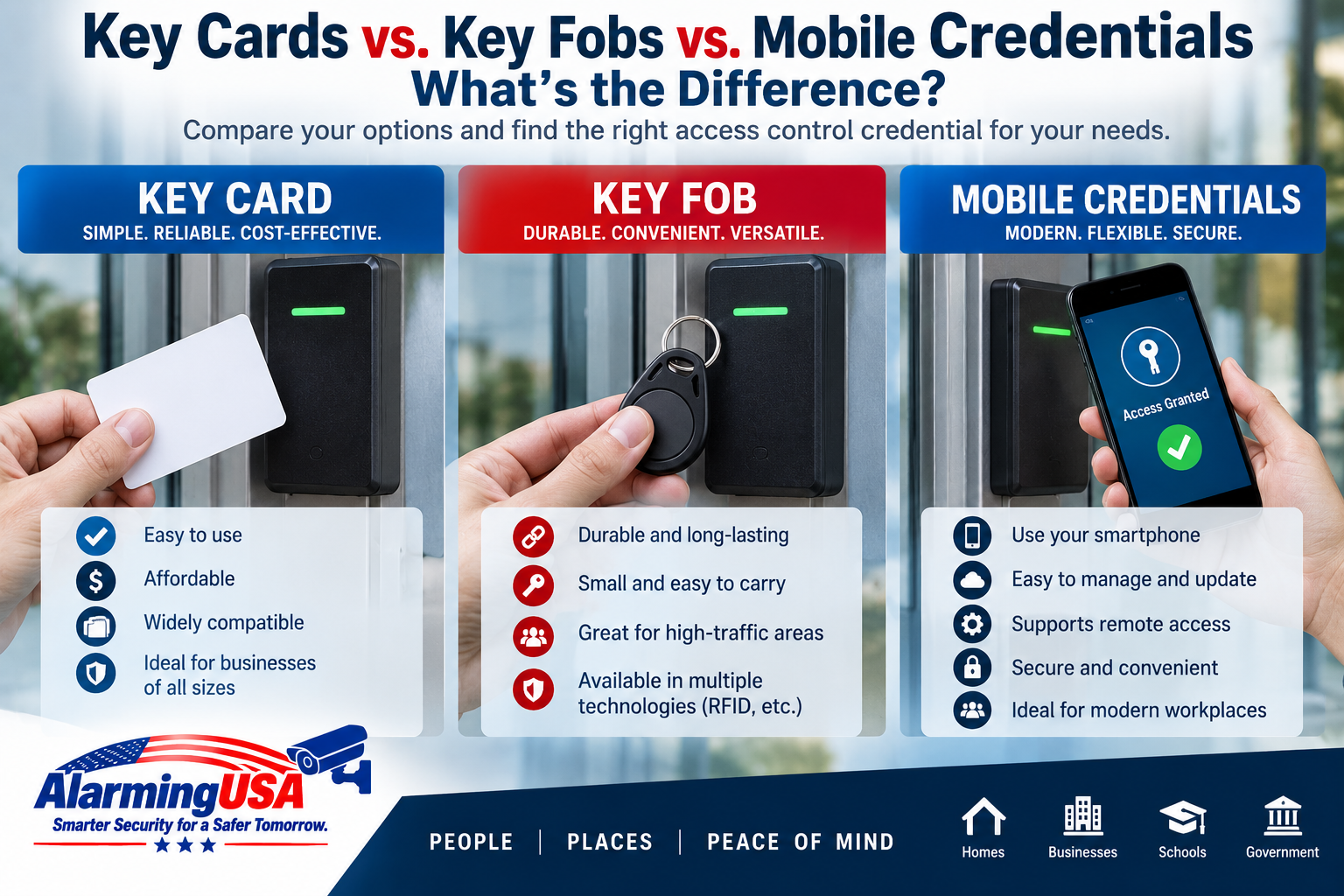
Key cards, key fobs, and mobile credentials all serve the same basic purpose in an access control system: they identify a user so the system can determine whether that person is authorized to enter a controlled door or area. The major differences are how each credential is carried, how it communicates with the reader, how it is issued, and how it is managed.
There is no single credential type that is ideal for every organization. Understanding the differences can help businesses, schools, property managers, and other facilities choose the right approach for their users and security requirements.
Key Cards vs. Key Fobs vs. Mobile Credentials
All three credential types can work with electronic access control, but the user experience is different. A card is typically carried in a wallet or badge holder, a fob attaches easily to a key ring, and a mobile credential uses a compatible smartphone.
| Credential | Common Form | Typical Advantage | Consideration |
|---|---|---|---|
| Key Card | Plastic card or employee badge | Easy to issue and display as an ID badge | Can be lost, damaged, or shared |
| Key Fob | Small key-ring credential | Compact and convenient | Less suitable as visible identification |
| Mobile Credential | Credential stored on a smartphone | Can reduce the need to carry a separate credential | Requires compatible devices, readers, and software |
What Is a Key Card?
A key card is an electronic credential in a card-shaped format. Depending on the access control technology, the user may present the card near a reader or use another supported interaction method.
Cards are common in workplaces because they can serve two purposes: an electronic access credential and a visible employee identification badge. Organizations can print a person’s name, photograph, department, or other identification information directly on the card.
Advantages of Key Cards
- Familiar and easy for most users to understand
- Can double as a photo identification badge
- Easy to issue and replace
- Available with many access control technologies
- Can be used with badge holders, clips, or lanyards
Things to Consider With Key Cards
Cards can be lost, forgotten, damaged, or intentionally shared. Credential technology also matters. Older proximity cards and newer smart-card technologies do not provide identical capabilities or security features, so organizations should evaluate the technology rather than choosing solely by the physical appearance of the card.
What Is a Key Fob?
A key fob is a compact electronic credential commonly designed to attach to a key ring. From the access control system’s perspective, a compatible fob can perform much the same function as a card: it presents credential information that the system uses when making an access decision.
Advantages of Key Fobs
- Small and easy to carry
- Convenient for users who already carry keys
- Often more durable than a standard plastic card
- Useful where a visible photo badge is unnecessary
Things to Consider With Key Fobs
Because a fob usually does not display the user’s identity, it may not be appropriate when an organization also requires employees or residents to wear visible identification. Like cards, fobs can also be lost or shared and should be disabled promptly when they are no longer under the authorized user’s control.
What Is a Mobile Credential?
A mobile credential allows a compatible smartphone or other supported mobile device to function as an access credential. Depending on the system, communication with the reader may use technologies such as Bluetooth or NFC.
The exact enrollment process and user experience vary by access control manufacturer. Typically, an administrator assigns or sends a credential to a user’s device through the system’s management platform or mobile application.
Advantages of Mobile Credentials
- Users may not need to carry a separate card or fob
- Credentials can often be issued electronically
- Useful for organizations with remote or distributed users
- Can support modern credential technologies
- May simplify replacement when physical cards are difficult to distribute
Things to Consider With Mobile Credentials
Mobile access requires compatible readers, software, licensing, and supported phones. Organizations also need policies for lost or replaced phones, employees who do not have compatible devices, personal-device use, privacy, and users whose phones are unavailable.
Are Key Cards and Key Fobs the Same Technology?
Not necessarily. The physical shape of a credential does not tell you what technology is inside it. Two cards that look almost identical may use completely different credential technologies, frequencies, encryption capabilities, or communication standards.
The same is true for fobs. When upgrading an existing access control system, verify reader and credential compatibility instead of assuming that a new card or fob will work because it looks similar to the old one.
Proximity Cards vs. Smart Cards
Traditional proximity credentials have been widely used for access control for many years. Newer contactless smart-card technologies can support more advanced security features and applications.
Organizations considering an upgrade should evaluate credential security, reader compatibility, existing card populations, migration requirements, and long-term support. Replacing readers and credentials across a large facility can require careful planning, so migrations are often performed in phases.
Which Credential Is Easiest to Replace?
From an access-control administration standpoint, cards and fobs are generally straightforward to disable and replace. If a credential is lost, an administrator can typically deactivate it and assign a new credential to the user.
Mobile credentials can reduce the need to physically deliver a replacement card, although the process depends on the specific platform and whether the user’s phone has also been lost or replaced.
What Happens When an Employee Leaves?
Electronic credential management provides an important advantage over traditional mechanical keys. When a person leaves an organization, their electronic access can generally be disabled without changing the locks used by everyone else.
Organizations should have a consistent process for removing access promptly, collecting physical credentials when appropriate, and reviewing any additional permissions associated with the departing user.
Can You Use More Than One Credential Type?
Yes. Many organizations use a mixture of credential types. Employees might use photo ID cards, certain users might receive key fobs, and others may be issued mobile credentials.
Whether a mixed environment is practical depends on the readers and access control platform. Multi-technology readers can be particularly useful during migrations because they may support both existing and newer credential technologies.
What About PINs and Biometrics?
Cards, fobs, and phones are not the only ways to authenticate users. Access control systems may also support PINs, biometric technologies, or combinations of multiple authentication factors.
For example, a higher-security opening might require both a credential and a PIN. The appropriate authentication method depends on the facility, risk level, operational requirements, privacy considerations, and applicable policies or regulations.
Which Credential Should a Business Choose?
The best fit depends on how the facility operates. Consider questions such as:
- Do employees need visible photo identification?
- How frequently are new credentials issued?
- How often are credentials lost or replaced?
- Do users already carry smartphones?
- Are personal phones permitted for workplace access?
- What credential technologies do the existing readers support?
- Will the organization migrate to newer readers in the future?
- Are there recurring licensing costs for mobile credentials?
- Do visitors, contractors, or temporary users need access?
How Credentials Fit Into the Complete Access Control System
The credential is only the first part of an access transaction. After a card, fob, or mobile credential is presented, the reader communicates information to the access control system, permissions are evaluated, and the locking hardware is controlled based on the result.
If you’re new to electronic access control, read our guide What Is an Access Control System and How Does It Work? for an explanation of readers, controllers, electronic locks, door monitoring, access levels, and software.
Final Thoughts
Key cards, key fobs, and mobile credentials can all provide convenient electronic access, but each has different strengths. Cards work especially well when credentials also serve as visible identification. Fobs are compact and convenient. Mobile credentials can reduce dependence on physical credentials and make electronic distribution possible.
The important decision is not simply card versus fob versus phone. Organizations should also evaluate the credential technology, reader compatibility, security features, administrative requirements, user experience, and long-term upgrade strategy.
ALARMING USA COMMUNITY
Discussion 0
Share your experience, ask a question, or reply to another member.
No comments yet. Be the first to start the discussion.