
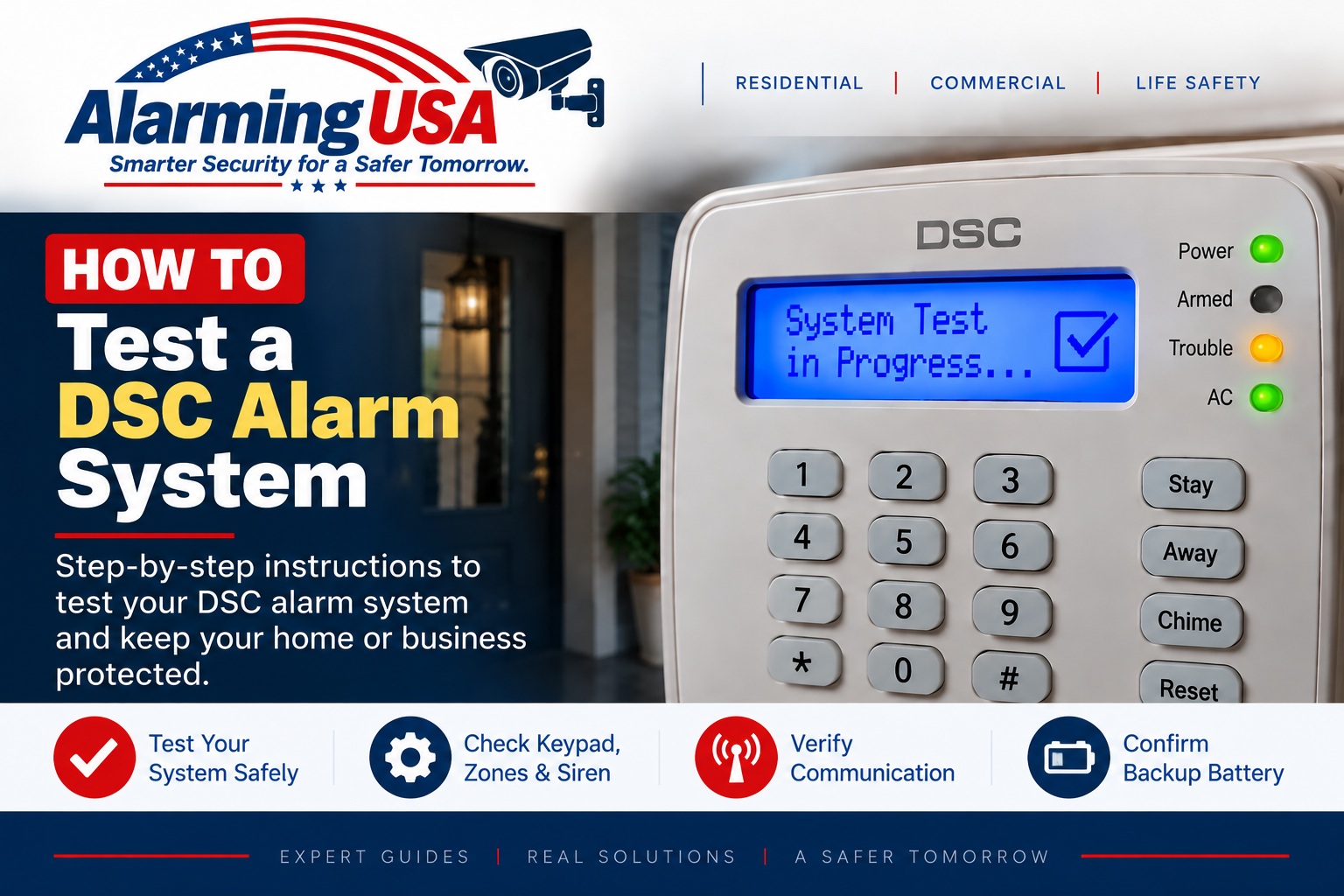
Regular testing helps confirm that your alarm panel, keypad, siren, backup battery, and monitored communication are working as expected. This guide explains how to test a DSC alarm system using normal user functions and without changing installer programming.
If your DSC system is professionally monitored, contact your alarm company before performing any test that could transmit an alarm signal. Ask them to place the system on test and follow their instructions so emergency responders are not dispatched unnecessarily.
How to Test a DSC Alarm System
DSC PowerSeries Pro documentation provides a user-level System Test under [*][6][Master Code]. The System Test checks system functions including bell output, keypad buzzer and lights, communicator, and standby battery. On documented PowerSeries Pro systems, the keypad shortcut for System Test is 04 after entering the User Functions menu.
Step 1: Contact the Monitoring Company First
If the system is monitored, call the monitoring provider before testing and ask for the account to be placed in test mode. Follow the provider’s instructions and confirm how long the test period will remain active.
Step 2: Check for Existing Trouble Conditions
Before beginning, look at the keypad for trouble indicators or messages. On supported DSC PowerSeries systems, [*][2] opens the trouble display. Resolve or document existing troubles so they are not confused with a problem discovered during testing.
Step 3: Run the DSC System Test
On documented PowerSeries Pro systems, enter [*][6][Master Code] and select System Test. The reference manual also documents keypad shortcut 04 for this function. Because classic PowerSeries and PowerSeries Neo models may present user functions differently, use the user manual for your exact panel rather than assuming every DSC model uses identical prompts.
What Does the DSC System Test Check?
- Alarm bell or siren output
- Keypad buzzer
- Keypad lights or indicators
- Communicator operation on supported configurations
- Standby battery condition
Step 4: Check Doors, Windows, and Other Zones
A system test and a zone or walk test are not necessarily the same procedure. If you want to verify individual doors, windows, motion detectors, or other initiating devices, follow the walk-test procedure documented for your exact DSC panel or arrange the test through your alarm company. Do not test smoke, carbon-monoxide, fire, or other life-safety devices using improvised methods.
Step 5: Confirm Monitored Communication
If professional monitoring is part of the system, confirm test results with the monitoring provider. A local siren sounding does not by itself prove that a signal reached the monitoring center.
Step 6: Take the System Off Test
When testing is complete, contact the monitoring company again if required and confirm that normal monitoring has been restored. Check the keypad for any remaining trouble condition before considering the test complete.
What If the DSC System Fails a Test?
If the keypad, siren, battery, communicator, or another system component does not respond as expected, do not change installer programming in an attempt to make the test pass. Record what failed and contact the alarm provider or a qualified alarm technician.
Testing After a Power Outage
If you are testing because the system recently lost power, first see our guide to resetting a DSC alarm system after a power outage. Give the standby battery appropriate time to recharge before assuming a battery-related test result means the battery has failed.
Check the Yellow Trouble Light Before Testing
If the yellow trouble indicator is illuminated, see our DSC yellow trouble light guide. Testing is easier to interpret when you know which trouble conditions were already present.
How Often Should You Test Your Alarm?
Follow the testing schedule in the user documentation for your exact DSC system and any instructions provided by your monitoring company. Requirements can differ for residential, commercial, and life-safety installations.
When to Contact a Professional
- The siren or keypad does not operate during the documented system test.
- The monitoring company does not receive an expected test signal.
- A battery, communication, module, or supervision trouble remains active.
- You cannot identify your DSC panel or the correct test procedure.
- The system includes fire, carbon-monoxide, commercial, or regulated life-safety functions.
Official DSC Documentation
DSC publishes separate documentation for classic PowerSeries PC1616/PC1832/PC1864, PowerSeries Neo HS2016/HS2032/HS2064/HS2128, and PowerSeries Pro systems. Use the manual for your exact panel and keypad when test procedures or prompts differ.
Final Thoughts
Knowing how to test a DSC alarm system helps you verify important system functions before a problem occurs. For a monitored system, coordinate with the monitoring provider first. Then use the documented user-level System Test for your panel, confirm the results, and investigate any trouble condition or failed component rather than changing installer programming.