
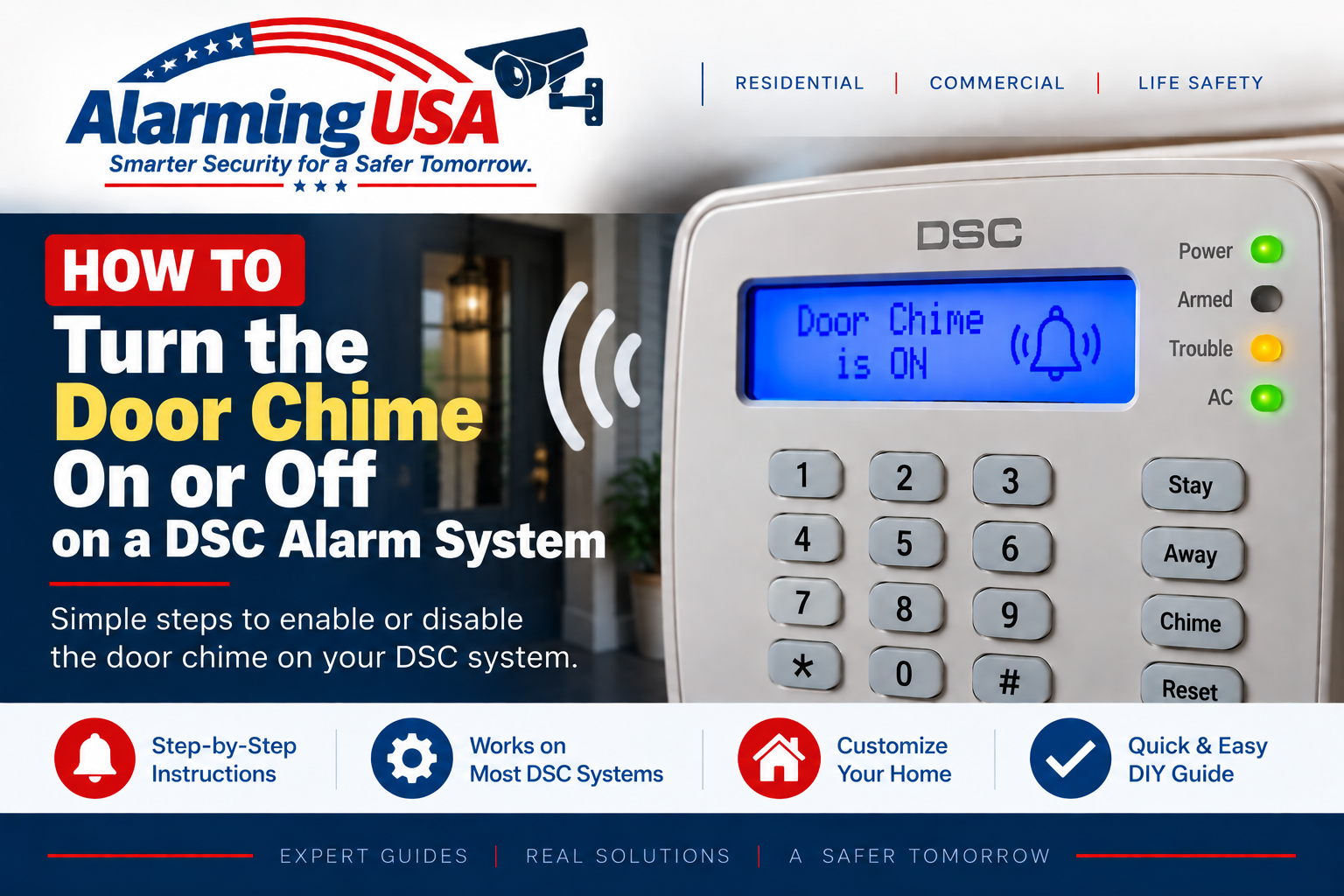
If you want your DSC keypad to sound when a protected door or window opens, the door chime feature can usually be toggled from the keypad. This guide explains how to turn door chime on or off on DSC alarm system keypads and how to tell the difference between a normal chime and a trouble beep.
DSC documentation for PowerSeries Pro identifies [*][4] as the Door Chime enable/disable function. Pressing the command toggles the feature between enabled and disabled. Depending on system programming, an access code may be required.
What Is the DSC Door Chime Feature?
When door chime is enabled, the keypad can produce a tone when a zone configured for chime operation is opened or closed. This is commonly used to provide an audible indication when an entry door or another selected perimeter opening is used.
How to Turn Door Chime On or Off on DSC Alarm System Keypads
On documented DSC PowerSeries Pro systems, use the keypad command [*][4] to toggle the door chime feature. If chime was off, the command enables it; if chime was on, the command disables it. Some installations may be programmed to require an authorized access code for this function.
Step 1: Make Sure the System Is in Normal User Operation
Use the keypad during normal user operation rather than entering installer programming. Door chime is a user feature on supported DSC systems.
Step 2: Press * Then 4
Press the star key followed by 4. Listen for keypad feedback or check the display for confirmation. Exact messages and tones can vary by keypad model.
Step 3: Test a Chime-Enabled Door or Window
After enabling chime, open and close a door or window that you know is configured for the chime feature. If that zone is programmed for chime operation, the keypad should provide the configured audible indication.
Why Doesn’t * 4 Make My Door Chime?
The global chime feature and the individual zone’s chime configuration both matter. DSC documentation notes that the chime attribute is programmed for individual zones. If chime is enabled at the keypad but a particular opening remains silent, that zone may not be configured for chime operation. Do not change installer programming just to experiment with zone configuration; contact your alarm provider if you need the zone setup changed.
Can DSC Door Chimes Have Different Sounds?
PowerSeries Pro documentation lists several programmable chime sounds, including standard beeps and different door-chime tones. Available sounds depend on the keypad and system configuration.
Door Chime vs. Trouble Beeping
A door chime normally occurs in response to a configured door or window opening or closing. Repeated beeping accompanied by a trouble indicator is different. If your keypad is making recurring warning sounds, see our guide to stopping DSC alarm system beeping and identify the underlying trouble condition.
What If the Yellow Trouble Light Is On?
The door chime setting does not correct system trouble. If the yellow trouble indicator is illuminated, see our DSC yellow trouble light guide and determine what the panel is reporting.
Identify Your DSC Panel
DSC maintains separate documentation for classic PowerSeries PC1616/PC1832/PC1864 systems, PowerSeries Neo HS2016/HS2032/HS2064/HS2128 systems, and PowerSeries Pro HS3032/HS3128/HS3248 systems. Keypad feedback and available options can differ, so use the user guide for your exact panel when its behavior differs.
When to Contact Your Alarm Company
- The chime command does not behave as described in your panel’s user guide.
- You need a specific zone configured for or removed from chime operation.
- The keypad is producing warning beeps rather than normal door chimes.
- You are unsure which DSC panel or keypad you have.
- The installation is commercial, fire, life-safety, or otherwise regulated.
Official DSC Documentation
DSC’s official PowerSeries Pro reference documentation identifies [*][4] as the Door Chime enable/disable function. DSC also maintains user documentation for PowerSeries Neo and classic PowerSeries systems. Always use the documentation for your exact panel and keypad.
Final Thoughts
Knowing how to turn door chime on or off on DSC alarm system keypads is useful when you want an audible notification from configured doors or windows. On documented PowerSeries Pro systems, [*][4] toggles the door chime feature.
If the keypad still does not chime, confirm that the opening itself is configured for chime operation and consult the user guide or alarm provider rather than changing installer programming.