
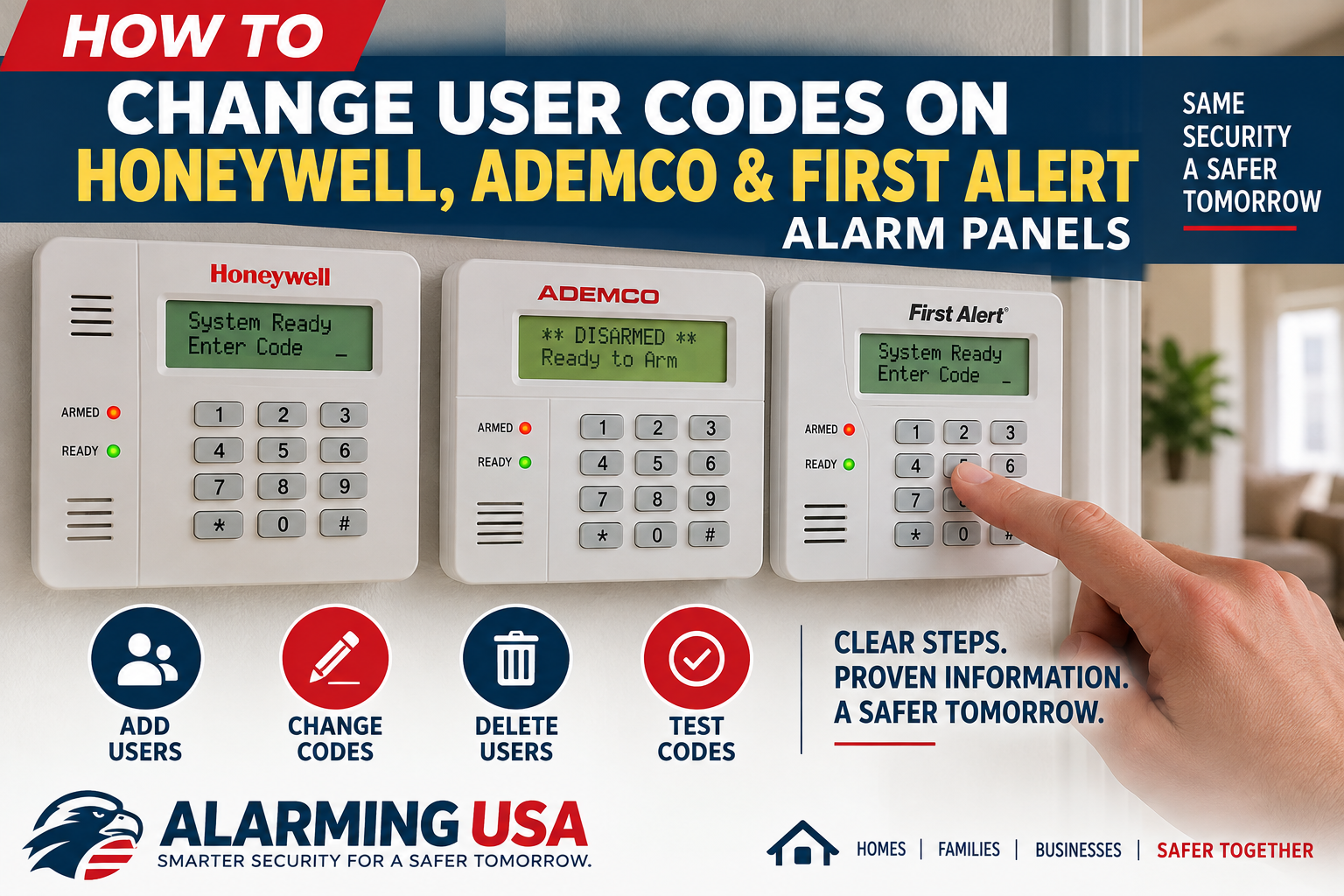
If you need to give a family member, employee, house sitter, or other trusted person their own alarm code, many Honeywell Home, Ademco, and First Alert systems let an authorized master user add, change, or delete user codes from the keypad. The exact procedure depends on the control panel, so the first step in learning how to change alarm codes is identifying the system you have.
This guide focuses on common VISTA-family panels and closely related First Alert models. It covers normal user-code management—not installer programming. If your model or keypad behaves differently from the instructions below, stop and check the manual for the exact control panel before continuing.
Identify Your Alarm Panel First
The name printed on the keypad does not always identify the control panel inside the system cabinet. Honeywell, Ademco, Honeywell Home, and First Alert branding has appeared on related systems over the years. Common VISTA-family panels include the VISTA-15P and VISTA-20P. Confirm the model before making changes.
Master Code vs. User Code
A master code has additional authority and can be used to manage other users on supported systems. A regular user code is normally assigned to an individual who needs permission to arm and disarm the system.
Do not confuse either with the installer code. Installer-level programming controls system configuration and is outside the scope of this homeowner guide. You normally do not need installer programming simply to manage ordinary user codes.
Before You Change a Code
- Make sure the system is disarmed and not in an alarm condition.
- Confirm the exact control-panel model.
- Have the authorized master code available.
- Know which user number you intend to add, change, or delete.
- Choose a code that is not easy for someone else to guess.
How User Numbers Work on VISTA-Style Systems
On VISTA-style systems, a code is associated with a user number. This lets each authorized person have an individual code rather than everyone sharing the master code. The number of available users varies by panel; Resideo specifies up to 32 system user codes for the VISTA-15P and 48 for the VISTA-20P.
How to Change Alarm Codes on Compatible Honeywell and Ademco Panels
For compatible VISTA-family systems using the traditional keypad user-management sequence, an authorized master user can add or replace a normal user’s code using this pattern:
Master code + 8 + two-digit user number + new user code
Enter the sequence carefully without long pauses. If a code already exists for that user number, assigning a new code changes that user’s code. Do not assume this sequence applies to every Honeywell, Ademco, or First Alert product; verify the panel family first.
Example Without Using a Real Security Code
For user 05, the pattern is: [your master code] + 8 + 05 + [the new user’s code]. Use your actual authorized master code and the new code you selected. Do not use example numbers from websites as real security codes.
How to Delete a User Code
Deleting a user is different from assigning that user a new code. Deletion procedures can vary by panel generation, so use the user guide for the identified control panel rather than guessing. When someone should no longer have access, remove that person’s authorization rather than leaving an unused active code.
Changing the Master Code Requires Extra Care
The master code has more authority than a standard user code. Because procedures vary by model, verify the exact panel documentation before changing it. If there is uncertainty, contact the servicing alarm company.
Honeywell, Ademco, and Honeywell Home Naming
Homeowners may encounter several brand names when researching an older alarm system. A keypad might say Ademco while documentation refers to Honeywell or Honeywell Home. Current VISTA information is available through Resideo, which maintains the VISTA security platform. Branding alone is not enough to determine the correct programming sequence.
What About First Alert Alarm Panels?
Some First Alert Professional security panels are closely related to VISTA-family equipment, but model-specific differences can exist. Do not assume every First Alert keypad uses the same commands as a VISTA-15P or VISTA-20P. Locate the model information and use the corresponding user guide.
Changing Codes Through Total Connect
Some compatible systems connected to Resideo Total Connect services can support user management through the service rather than only at the keypad. Resideo states that changing another user’s security code through its remote service is restricted to administrators, and depending on the control panel, user codes may contain four or six digits.
Test the New Code Safely
After adding or changing a user code, verify that it works before relying on it. Follow the normal operating instructions for the system and avoid intentionally creating an alarm condition simply to test a code. On systems with multiple partitions or authority levels, access may depend on additional configuration.
Use a Separate Code for Each Person
When the panel supports multiple users, assigning individual codes is generally more manageable than sharing the master code. It allows an authorized administrator to change or remove one person’s access without changing the code used by everyone else.
Avoid Easy-to-Guess Codes
Avoid codes that someone familiar with the user could easily guess. Do not post codes near the keypad or store them where unauthorized people can readily see them. When someone no longer needs access, remove or replace that person’s code promptly.
When You Should Call Your Alarm Company
Contact a qualified alarm professional if you cannot identify the panel, do not know the authorized master code, receive unexpected keypad messages, have a partitioned or commercial configuration you do not understand, or are unsure whether the instructions apply to your system.
Related Security Guides
Managing user codes is one part of maintaining a security system. You can also explore our guides on security camera placement, security cameras without internet, and security camera recording retention.
Official Resideo Resources
Resideo maintains current information about the VISTA security platform and provides online help for user and security-code management. Use model-specific documentation when your panel differs from the systems described here.
Final Thoughts
Learning how to change alarm codes starts with identifying the panel and understanding the difference between master, installer, and ordinary user access. On compatible VISTA-style systems, master-user controls make it straightforward to manage individual codes, but Honeywell, Ademco, Honeywell Home, and First Alert systems span many models and generations. Use model-specific documentation whenever the system differs from the instructions you expect.
2 thoughts on “How to Change User Codes on Honeywell, Ademco & First Alert Alarm Panels”