
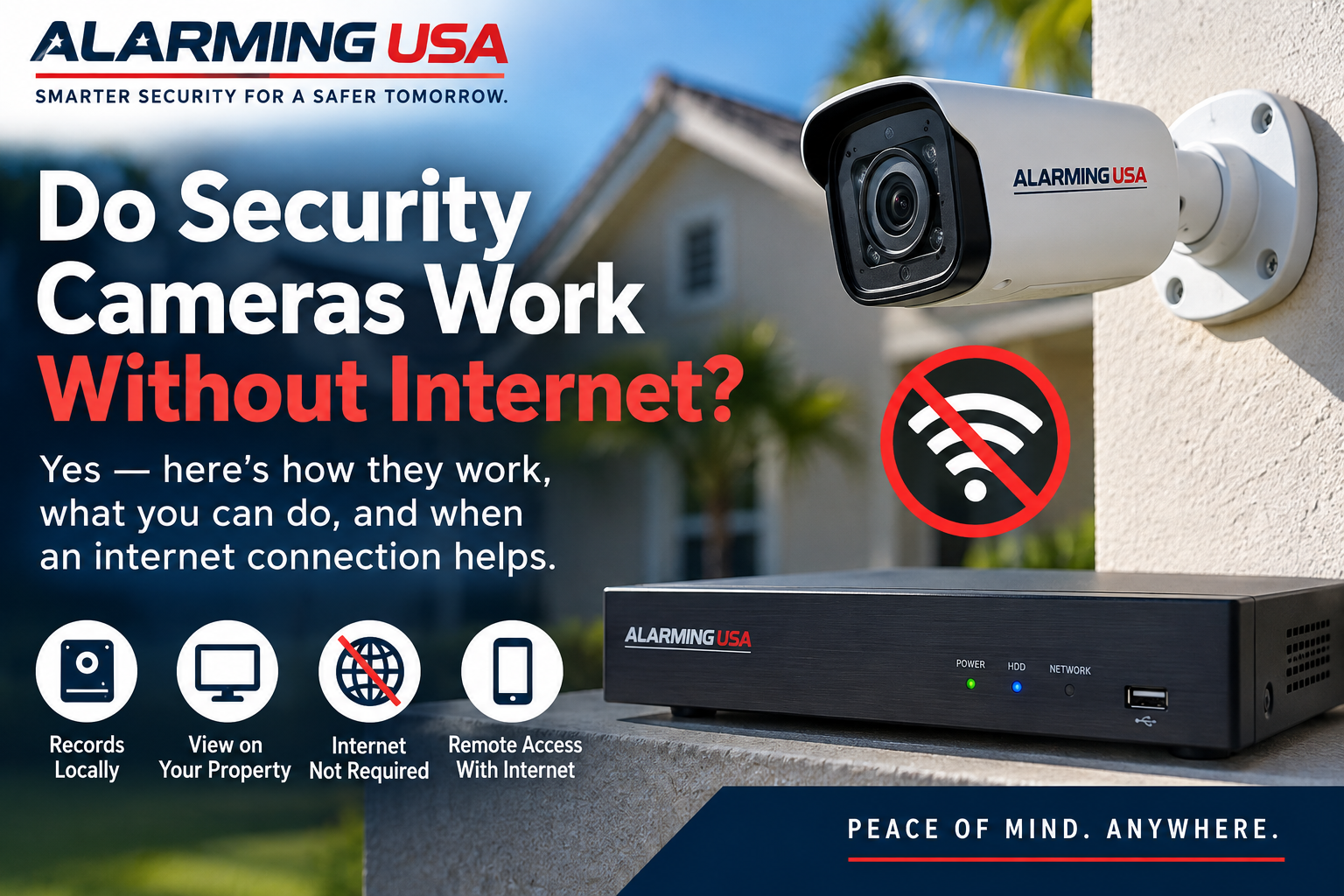
Many modern security cameras use the internet for remote viewing, notifications, cloud storage, and other connected features. But do security cameras work without internet? In many cases, yes—depending on the type of camera system and how it is configured.
A loss of internet service does not necessarily mean every camera stops recording. The important distinction is between the camera’s local connection, its recording method, and the internet-dependent features you expect to use.
Do Security Cameras Work Without Internet?
Some security cameras and recording systems can continue operating without an active internet connection. Cameras connected to a local recorder, for example, may continue sending video across the local network even when the home’s internet service is unavailable.
Other cameras rely more heavily on cloud services and may lose important features when they cannot reach the internet. The exact behavior depends on the equipment.
Internet and Wi-Fi Are Not the Same Thing
Wi-Fi is a way devices can communicate across a local wireless network. Internet service connects that network to systems outside the home.
Your Wi-Fi network can still exist when your internet service is down. Whether cameras continue communicating locally during that outage depends on the camera system, router, power, and configuration.
Local Recording Can Reduce Internet Dependence
Systems that record to an NVR, DVR, memory card, or other local storage can be less dependent on continuous internet access for basic recording.
A properly configured local system may continue recording while the internet is unavailable, provided the cameras, recorder, network equipment, and necessary power remain operational.
How long recordings remain available also depends on storage capacity and configuration. See our guide to how long security cameras keep footage for more information.
Cloud Cameras Depend More on Internet Access
Cloud-connected cameras typically need internet access to upload recordings to remote servers. If the connection fails, cloud uploads may stop until service is restored.
Some products include local storage or temporary buffering that can provide additional functionality during an outage, but this varies by manufacturer and model.
Check the manufacturer’s documentation to determine exactly what happens when a particular camera loses internet connectivity.
What Features May Stop Working?
Even when local recording continues, internet-dependent features may become unavailable during an outage. Depending on the system, these can include:
- Remote live viewing while away from home
- Cloud video uploads
- Push notifications
- Remote playback
- Remote configuration changes
- Some smart-home integrations
- Other cloud-based services
Local viewing from devices on the same network may still be possible with some systems.
Can Wired Security Cameras Work Without Internet?
Wired IP cameras connected to a local NVR or compatible recording system can often record across the local network without relying on the internet for the basic camera-to-recorder connection.
Traditional DVR-based camera systems can also record locally without requiring internet service for basic recording.
Internet access may still be required for remote viewing, cloud services, software integrations, or other connected features.
Can Wireless Security Cameras Work Without Internet?
Wireless does not automatically mean internet-dependent. A wireless camera may communicate with equipment on the local network using Wi-Fi while storing recordings locally.
However, some consumer Wi-Fi cameras are designed primarily around cloud services and may have limited functionality without internet access.
Our wired vs. wireless security cameras guide explains additional differences between these approaches.
What About PoE Cameras?
Power over Ethernet cameras can receive both network connectivity and electrical power through compatible Ethernet infrastructure.
When PoE cameras record to a local NVR, their camera-to-recorder traffic can remain on the local network. Internet service is not necessarily required for that local communication.
Remote access and cloud-connected features can still depend on an internet connection.
What Happens During an Internet Outage?
The answer depends on how the system is designed. A locally recorded system may continue capturing video while remote access becomes unavailable. A cloud-dependent system may lose more functionality.
After installation, test your own system rather than assuming how it will behave. Verify whether recording continues and which features remain available when internet service is temporarily disconnected.
Power Outages Are a Separate Issue
An internet outage and a power outage are different problems. Cameras cannot continue operating without the electrical power they require, even if they are capable of recording without internet access.
Consider whether cameras, recorders, network switches, routers, and other essential equipment have appropriate backup power if outage operation matters to you.
Does Remote Viewing Require Internet?
If you are away from home and want to view cameras over the internet, both ends of the connection generally need appropriate connectivity.
Remote viewing also uses network bandwidth. If you use cloud-connected cameras or frequently view video remotely, our guide to internet speed for security cameras explains the bandwidth factors to consider.
Can Cellular Connectivity Help?
Some security products can use cellular communication as an alternative or backup path. Availability, functionality, equipment requirements, and service fees vary considerably.
Cellular connectivity should not be assumed simply because a system is professionally monitored or remotely accessible. Confirm which communication paths your equipment actually supports.
Consider Camera Placement and Network Design
For wireless cameras, local connectivity still matters even if recording does not require the internet. Weak Wi-Fi can affect camera communication independently of the speed of your internet plan.
Test connectivity where cameras will actually be installed. Our security camera placement guide covers Wi-Fi, power, lighting, blind spots, and other installation considerations.
Protect Cameras That Connect to the Internet
When cameras are internet-connected, account and network security are important. Use strong, unique passwords, enable multi-factor authentication when available, and keep cameras, routers, apps, and related equipment updated.
The Federal Trade Commission provides consumer guidance on securing home security cameras and protecting access to camera feeds.
Questions to Ask Before Buying a Camera System
If operating during an internet outage matters to you, ask specific questions before purchasing equipment:
- Does the camera record locally?
- Does recording continue if internet service fails?
- Where is footage stored?
- Can footage be viewed locally during an outage?
- Which features require cloud connectivity?
- Does the system support cellular backup?
- What happens when internet service returns?
- Does the system require an active subscription?
Answers can differ even between cameras from the same manufacturer, so check the specifications for the exact equipment you are considering.
Final Thoughts
So, do security cameras work without internet? Many can, particularly systems designed for local recording, but the features available without connectivity vary widely.
Separate basic recording from internet-dependent features such as cloud storage, remote viewing, and notifications. Also remember that local network connectivity and electrical power remain important even when internet service is not required.
Before relying on any camera system during an outage, verify the manufacturer’s specifications and test the actual configuration so you know what continues working when the internet does not.
1 thought on “Do Security Cameras Work Without Internet?”