
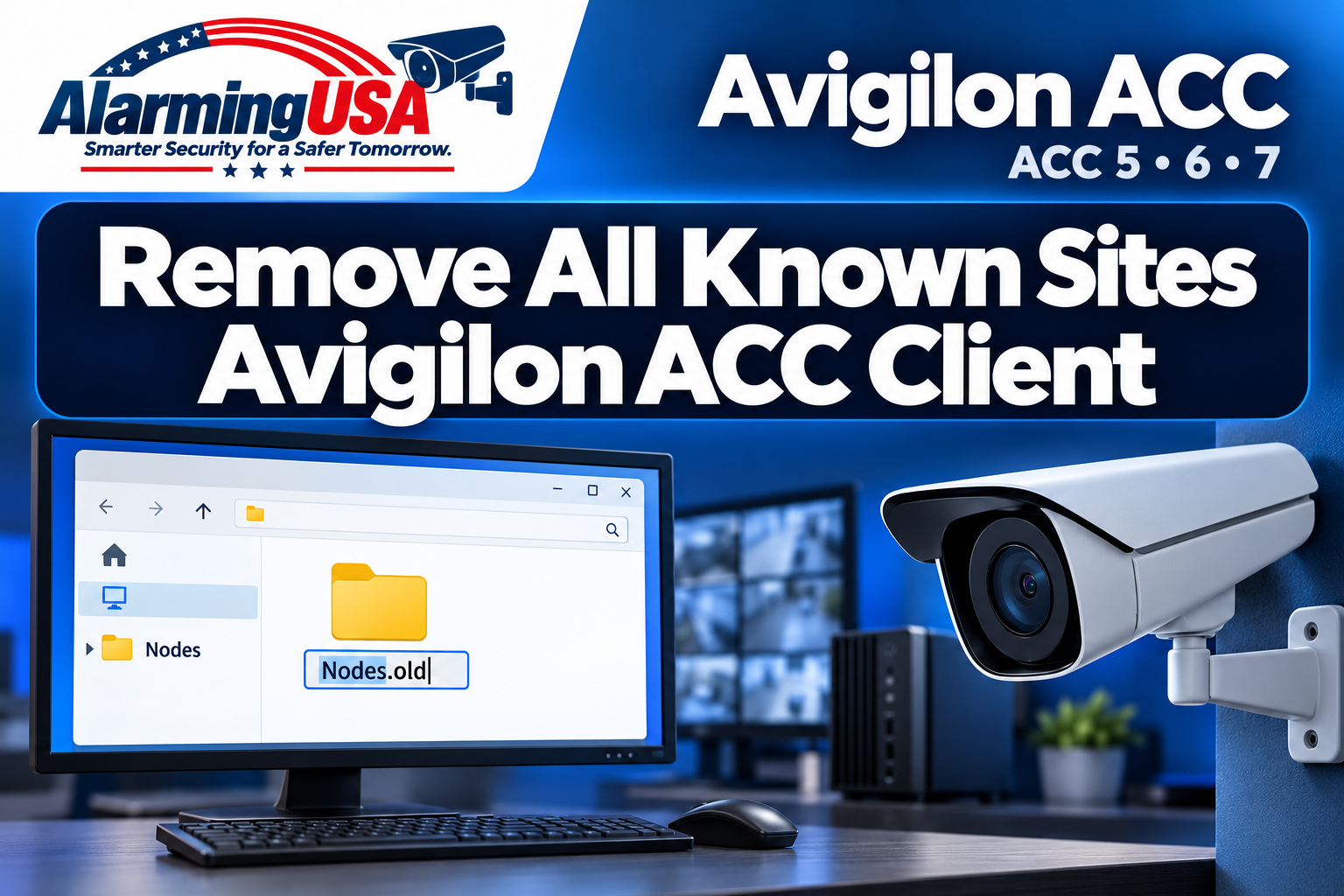
To remove all known sites from Avigilon ACC Client, close the application, rename the existing Nodes folders to Nodes.old, and reopen the client. ACC will then attempt to discover online sites again. You may need to manually add sites on other networks.
This guide covers ACC 5, 6, and 7, the versions listed in Avigilon’s support article. It is useful when you need to clear the client’s entire known-site list, including automatically and manually discovered sites.
Should you remove one site or clear all known sites?
If you only need to remove one or a few manually discovered sites, use Avigilon’s individual site removal procedure instead. Renaming the Nodes folders is the broader reset for all known sites on the affected client.
Clearing the list does not guarantee that every old entry will remain absent. When ACC Client starts, it attempts to discover online sites again, so reachable sites may return to the list.
Before you begin
- Back up your server settings. Avigilon says this procedure should not affect existing settings such as alarms, rules, or saved views, but still recommends backing up all servers first. Follow its site settings backup instructions.
- Record the sites you will need to reconnect to. As a practical preparation step, note the server addresses and connection details for manually discovered sites, especially those on another VLAN or network.
- Allow for a viewing interruption. You will close ACC Client during this procedure. If you use this workstation for active monitoring, arrange alternate viewing coverage first.
- Use the Windows account that normally runs the client. The user-specific paths below resolve to the currently signed-in Windows profile.
Step 1: Exit ACC Client completely
In the upper-right corner of ACC Client, click the cog/setup icon, then select Exit. Close the application before changing its Nodes folders.
The manufacturer’s procedure calls for exiting the client. It does not instruct you to stop the ACC Server service.
Step 2: Rename the Nodes folders
Open Windows File Explorer. Paste each of the following parent paths into its address bar, press Enter, and look for a folder named Nodes. These Windows variables expand to the appropriate system or user folder.
| Location to open | Folder to rename | New name |
|---|---|---|
%ProgramData%\Avigilon\Client |
Nodes |
Nodes.old |
%localappdata%\Avigilon\Client |
Nodes |
Nodes.old |
%appdata%\Avigilon\Client |
Nodes |
Nodes.old |
For each existing Nodes folder, right-click it, choose Rename, and enter Nodes.old. Repeat for the other locations. Rename only the Nodes folder—not its parent Client or Avigilon folder.
Version note: Avigilon notes that the Local AppData Nodes folder may not exist in releases earlier than ACC 6.14 or ACC 7.4. If it is absent, do not create it; continue checking the remaining locations.
If Nodes.old already exists: do not overwrite or merge an earlier backup. As an additional precaution, preserve it under a distinct dated name before renaming the current Nodes folder. If Windows reports that a folder is in use, confirm that ACC Client is closed before retrying. If access is denied, ask your Windows administrator for assistance.
Step 3: Reopen ACC Client
Start ACC Client again. According to Avigilon, the application will attempt to discover online ACC sites when it loads. Review the resulting list before assuming the reset has failed because a site reappears.
Step 4: Manually discover sites when needed
Sites on a different network, VLAN, or broadcast domain may need to be discovered manually. Use the server details recorded earlier and follow the ACC 7.14 site discovery guide if it matches your installed version.
After reconnecting, confirm that the required sites are available and that you can sign in and view the cameras you normally use. A missing remote site may require manual discovery rather than another reset.
Common questions
Will this remove alarms, rules, or saved views?
Avigilon states that existing settings such as alarms, rules, and saved views should not be affected. Its recommendation is still to back up all servers before attempting the procedure. Treat “should not affect” as guidance rather than a substitute for a backup.
Why did a site return after the reset?
ACC Client attempts to discover online sites when it starts. A rediscovered site can appear again even after you have renamed the old Nodes folders.
Do I delete the Nodes folders?
The published procedure specifies renaming them to Nodes.old. Keep the renamed folders while you verify the result instead of deleting them as part of this walkthrough.
Does this procedure cover Avigilon Unity Video?
The supplied support article lists ACC 5, 6, and 7. This guide does not extend that version coverage to Unity Video; check the documentation for your installed product before applying the steps there.
Source and scope
This independently written Alarming USA guide is based on Avigilon’s Remove All Known Sites of ACC Client, article 000132258, dated July 2, 2026, using the source text supplied for editorial review. The preparation checklist, handling of an existing backup folder, and verification tips are additional practical guidance. Alarming USA is not affiliated with or endorsed by Avigilon.