Home security system cost can vary significantly depending on the equipment you choose, whether you install it yourself, and whether you pay for professional monitoring. A basic system can be relatively inexpensive, while a larger system with cameras, smart-home features, and professional installation can cost considerably more.
Understanding where the money goes can help you choose a security system that fits both your home and your budget.
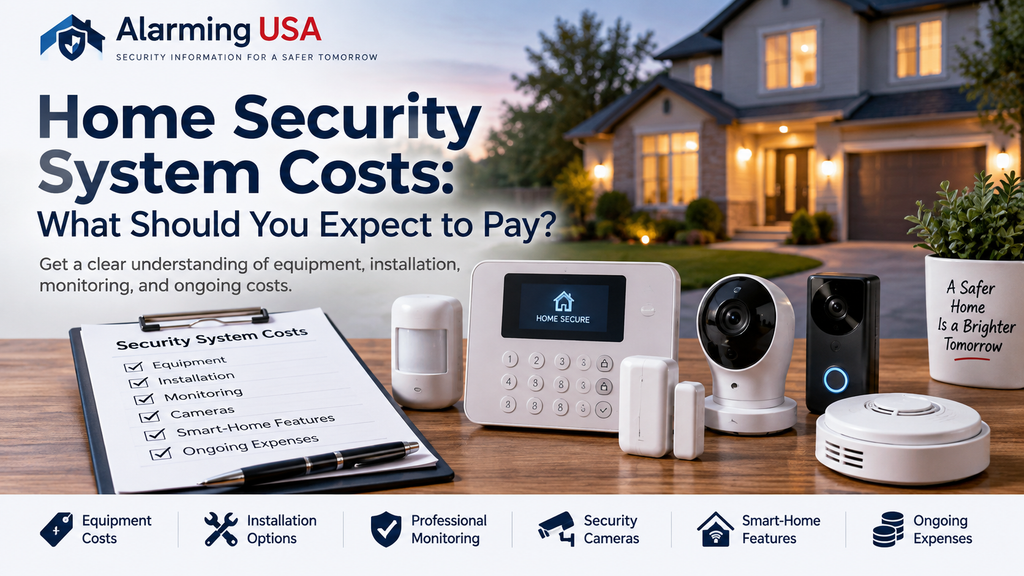
What Determines Home Security System Cost?
There isn’t one price that applies to every home. Several factors can affect the total cost of a security system.
These include the number of doors and windows you want to protect, the type of sensors you use, security cameras, installation, monitoring, and optional smart-home equipment.
A small apartment may need only a few sensors and a control panel, while a larger home could require additional sensors, cameras, motion detectors, and other equipment.
Equipment Costs
The equipment is usually one of the first expenses to consider.
A typical home security system may include a control panel or hub, door and window sensors, motion detectors, keypads, and an alarm siren. More advanced systems may also include indoor or outdoor cameras, video doorbells, glass-break sensors, smoke detectors, and smart locks.
Starter systems can sometimes cost a few hundred dollars, while larger systems with multiple cameras and additional devices can cost substantially more.
Before purchasing equipment, determine which areas of your home actually need protection. Buying equipment simply because it is available can increase the cost without necessarily improving your security.
Professional Installation vs. DIY
Installation is another factor that can affect home security system cost.
DIY systems are designed so homeowners can install sensors and equipment themselves. This can reduce installation expenses and may be a good choice for smaller or simpler systems.
Professional installation costs more, but it can be useful for larger systems, hardwired equipment, complicated camera installations, or situations where equipment needs to be positioned carefully.
The better option depends on your technical comfort level and the complexity of the system.
Professional Monitoring Costs
Professional monitoring is normally an ongoing monthly expense rather than a one-time equipment purchase.
With professional monitoring, alarm signals can be transmitted to a monitoring center where trained operators follow established procedures when an alarm occurs.
Monitoring prices vary depending on the provider and services included. Features such as cellular communication, camera services, smart-home integration, or additional monitoring capabilities can increase the monthly price.
If you want to understand the process in more detail, read our guide to professional alarm monitoring.
Security Camera Costs
Cameras can significantly affect the overall price of a security system.
A simple system may use one video doorbell or outdoor camera, while larger homes might use several cameras covering entrances, driveways, yards, and other important areas.
Remember that the camera itself may not be the only expense. Depending on the system, you may also need to consider video storage, subscriptions, installation, wiring, networking equipment, or additional power supplies.
Smart-Home Features
Modern security systems can often integrate with smart locks, lights, thermostats, garage-door controls, and other connected devices.
These features can add convenience and provide additional automation, but they can also increase both the initial equipment cost and ongoing subscription costs.
Focus first on the security features you actually need. Smart-home features can always be added later if your system supports them.
Are There Other Costs to Consider?
When comparing systems, look beyond the advertised equipment price.
Other potential expenses can include installation fees, activation fees, monitoring subscriptions, cloud video storage, replacement batteries, additional sensors, equipment upgrades, and service calls.
Also check whether a provider requires a contract and what happens if you cancel service.
How Much Should You Spend?
There is no single amount that every homeowner should spend on security.
Start by identifying the risks and areas you want to protect. Then determine which equipment addresses those needs. This approach can help prevent you from paying for features you are unlikely to use.
A well-planned smaller system can sometimes be more useful than an expensive system filled with unnecessary equipment.
Final Thoughts
Home security system cost depends on much more than the advertised price of a starter package. Equipment, installation, cameras, monitoring, storage, and optional smart-home features can all affect the total.
Compare both the initial purchase price and the ongoing costs before choosing a system. Most importantly, choose equipment based on the security needs of your home rather than simply selecting the package with the most features.
3 thoughts on “Home Security System Costs: What Should You Expect to Pay?”